
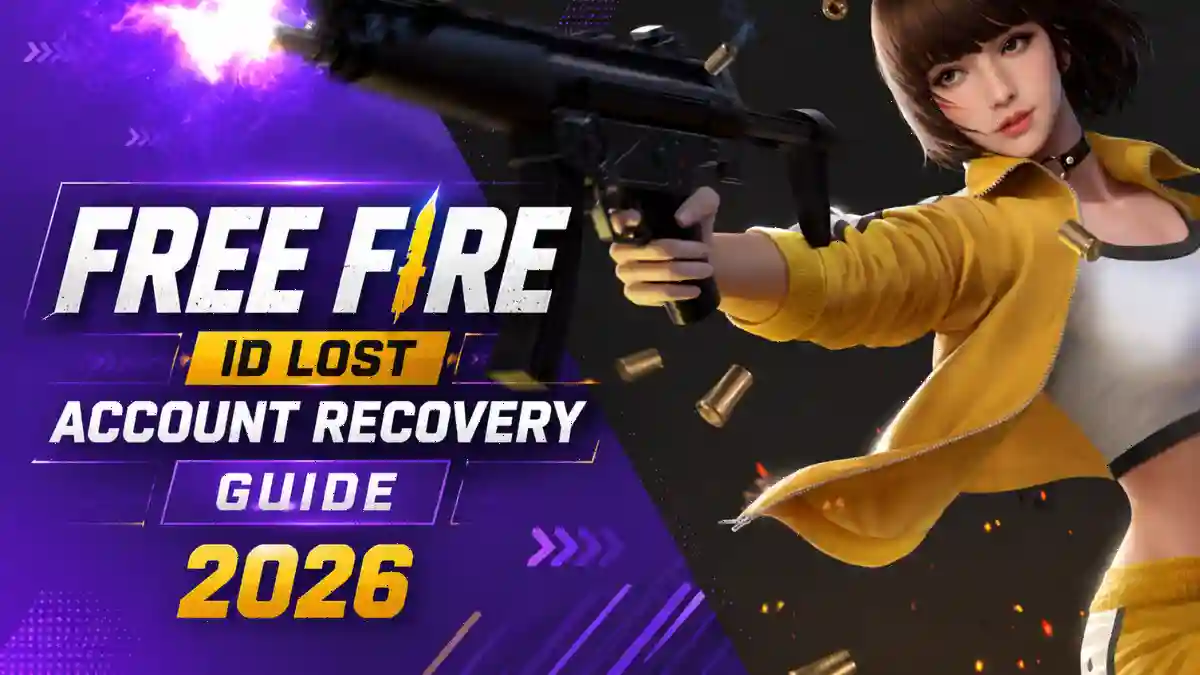
If your Free Fire ID is lost, you cannot log in, or someone has hacked your account, it is a common problem. Losing an ID can be very upsetting for any player because it may contain premium skins, emotes, and many rare bundles that were collected through years of hard work. When an account is lost, players often feel frustrated and disappointed.
Hackers often change the recovery email or unlink the account connected to the ID. In some cases, they even change the password of the linked Facebook or Google account. This raises an important question, how can a Free Fire ID be recovered? How can players submit an appeal through Garena’s official recovery platform? In this blog post, we will explain everything step by step. We will also share some important tips to help keep your account more secure.
How Does a Free Fire ID Get Hacked?
Most Free Fire IDs are hacked through three specific mistakes. Here are all the common mistakes that players often make, which can eventually lead to them losing their account.
Watch out for these red flags:
- You get logged out without doing anything
- You receive a Garena email saying your recovery email was changed
- Your in-game name is suddenly different
- Friends tell you your account is online when you’re not playing
Free Fire players often click on unknown links in the hope of getting free diamonds, rare emotes, gun skins, premium gun skins, and other premium in-game items. Such websites can save your account details, which may lead to your account being hacked.
Once a hacker gains access to your linked Facebook or Google account, they can log in to Free Fire, change the recovery email, add their own email address, and completely lock you out of your account.
According to Cashify’s security researchers, some of the most common signs of an account being compromised include getting logged out of your account suddenly without any reason, receiving a recovery email change notification that you did not initiate, or seeing activity from an unknown device in your login history.
To redeem codes or claim rewards, always use Garena’s official website only. Do not try to claim rewards by logging in to any third-party app or website, as this can put your account at risk of being stolen or compromised.
What Proof Should You Collect Before Filing a Recovery Request?
Garena accepts four types of proof, and collecting all of them before you open a ticket significantly improves your chances of success.
Here’s your proof checklist before filing:
- Your Free Fire UID (find it on your in-game profile page)
- At least 2-3 screenshots showing your UID and nickname
- Any top-up or diamond purchase receipt (even an old one works)
- The last date and approximate time you were logged in
- The device model you normally played on
- Any email from Garena linked to your account
Many players edit their screenshots during the account recovery process. Some even try to create fake proof by changing the date, transaction details, or ID in Google receipts. This should never be done.
If you submit any edited receipt, fake screenshot, or manually created report, the information you provide may not match during verification. This greatly reduces the chances of recovering your account. The verification team can easily identify whether documents have been altered or not. In such cases, your recovery request may be rejected, and the recovery process will not move forward.
For this reason, always submit original screenshots, genuine transaction receipts, and accurate information when applying for account recovery.
How to Use Garena’s Official Recovery Platform Step by Step
Garena’s official account recovery process runs through ffsupport.garena.com, and the exact method depends on whether you have a recovery email bound to your account or not.
If you have a recovery email bind through your free fire ID than follow Garena’s official steps:
- Open Free Fire and go to the login page (or log out from Settings if already in)
- Tap “Account Recovery”
- Read the Account Recovery Instruction page, then tap “Go to”
- Enter your recovery email and tap “Send”
- Check your inbox for the Garena verification code
- Enter the code and tap “Verify”
- Confirm your Player Name and UID on the Account Information page
- Choose a new platform account to bind your Free Fire account to
- Log in with the new platform account to complete the process
If you do NOT have a recovery email then
According to Garena’s official support page, you need to first recover your Facebook or Google account directly through those platforms. Garena cannot access your Facebook information and cannot recover it for you. Once you recover your linked platform account, use those credentials to log back into Free Fire.
If your recovery email was changed by a hacker:
This is the most common situation in 2026. You need to submit a support ticket at ffsupport.garena.com.
- Log in with your original linked platform account,
- Click your nickname in the top-right corner,
- Select “Submit a Request,”
- Choose “Account Related Concern,”
- Then “Change Login/plateform,” and
- Describe what happened in detail.
Here is an appeal message that you can customize according to your situation and submit directly in Garena’s support submission box.
Dear Garena Support Team,
I am writing to urgently request recovery of my Free Fire account. My account has been compromised and I can no longer access it.
My Free Fire UID: [YOUR UID] My in-game nickname: [YOUR NICKNAME] My linked platform: [Facebook / Google / VK] Last login date (approximate): [DATE] Device I normally played on: [DEVICE MODEL]
I believe my account was hacked on or around [DATE]. I noticed [describe what you saw, e.g., “I received an email saying my recovery email was changed, which I did not authorize”]. I have attached [list your proof, e.g., “purchase receipts and in-game screenshots showing my UID”].
I am the legitimate owner of this account and have been playing since [YEAR]. I kindly request your team to investigate this unauthorized access and restore my account to me.
Thank you for your time and assistance.
Stay calm and explain your situation clearly. Garena’s support team usually responds better to requests that are polite, factual, and supported by proper evidence rather than emotional appeals.
Garena Rejected My Recovery Request, Now What?
A rejection from Garena is not always the final decision. In many cases, it simply means that enough evidence or information was not provided to prove account ownership, not that your account cannot be recovered.
According to HL Gaming Official, the most common reason for rejection is “insufficient evidence.” Read the rejection email carefully. Garena will usually tell you exactly what was missing. That’s your roadmap for the re-appeal.
Many players get a response from Garena but can’t figure out what it means. Use this AI prompt to get it explained in Hindi:
“Yeh Garena ka email mujhe explain karo Hindi mein, simple language mein. Batao kya problem hai, unhone kya maanga hai, aur mujhe aage kya karna chahiye:
[Paste your full Garena email here]”
Copy this into any AI tool. It will break down the email clearly and tell you exactly what steps to take next.
My Account Has a Temporary Ban or Suspension, What Do I Do?
A temporary ban and a hacked account are two completely different problems. Make sure you know which one you’re dealing with before filing anything.
According to 1v9’s Free Fire ban guide, temporary bans last anywhere from a few hours to 30 days. They happen when Garena’s anti-cheat system flags suspicious activity, sometimes by mistake. Your account stays intact during this time. You just can’t access it until the suspension expires.
A 30-day ban is more serious. It means Garena detected something significant, like a modified APK or cheating software. The appeal process for a 30-day ban is stricter.
Freefire Nation confirms that confirmed cheat bans are almost never reversed. But if you genuinely didn’t cheat and believe it was a mistake, you can appeal through ffsupport.garena.com by selecting “Account Ban” under the request type.
Keep your appeal short, respectful, and specific. Give your UID, the ban date, what you were doing when the ban hit, and why you believe it’s incorrect. Garena reviews temporary ban appeals within roughly 7 working days.
I Have No Proof At All, Can I Still Recover My Account?
If you have no proof, recovery is extremely difficult. Guest accounts are unrecoverable per Garena’s official policy. For linked accounts, a UID alone is usually not enough, but adding old friend names and clan history may occasionally help.
One important warning: Never pay someone claiming they can recover your account for a fee. Garena has officially warned that account trading violates their terms of service and can result in a permanent ban. Be careful of anyone who claims they can guarantee account recovery in exchange for money. Such guarantees are not reliable, and in many cases, they may be part of a scam.
Final Word
I have explained all the important account recovery processes in detail above. If your account has been hacked, you are unable to log in, or your issue is related to any of the concerns mentioned above, make sure to follow the relevant process carefully.
For your convenience, I have also included email templates that can be customized according to your situation. In addition, AI prompts have been provided to help you understand any email or response you receive from Garena. These prompts can help you better understand the response and prepare the right solution for the issue related to your account.
Bookmark this guide and share it with your squad. For more Free Fire tips and recovery guides, visit Gaming News Lab.
Frequently Asked Questions
No. A UID alone is usually insufficient. Garena needs purchase receipts, platform details, or friend list data to prove ownership.
Garena typically responds within 3 to 7 business days. If you do not hear back after 7 days, reply to your original ticket.
Recover your Facebook account first. Change your password and enable two-factor authentication. Then contact Garena and explain the platform breach.
Minor suspensions may be lifted after review. However, first offense hacking results in a permanent ban that Garena does not reverse.
No. Garena forbids account trading. If a purchased account is banned, Garena will not help you recover it.




These are actually enormous ideas in about blogging.
You have touched some pleasant factors here. Any way keep up wrinting.
My id recovery please my UID 1990331665