
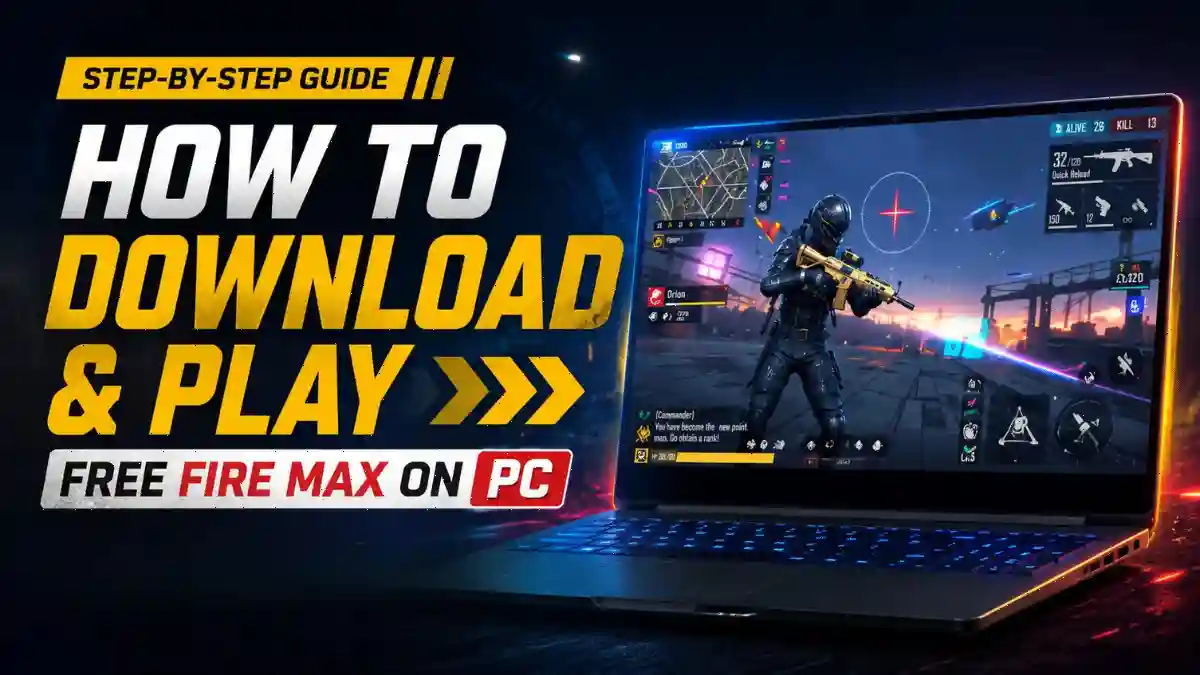
If you want to play Free Fire MAX on PC, you are not alone. Thousands of players want to play Free Fire on a bigger screen with a mouse and keyboard. This raises a common question: has Garena released a PC version of Free Fire MAX? The answer is no. Garena does not have an official PC version of the game. However, you can play Free Fire on your PC by using an emulator.
In this blog post, we will explain step by step how to play Free Fire MAX on PC. We will also cover the correct way to play Free Fire on a computer, which emulator you should use, and which option is the best for a smooth gaming experience. In addition, we will discuss the safest method to play Free Fire on PC so that your account remains completely secure.
Remember, the original Free Fire remains banned in India. Free Fire MAX is the enhanced version of Garena’s mobile battle royale game, legally available in India.
How to Download Free Fire on PC: Step by Step
Once you have chosen your emulator, the rest of the process is quite simple. Here is how you can play Free Fire using GameLoop. The steps are almost the same for BlueStacks and LDPlayer as well:
Step 1: Go to gameloop.com and download the installer. Run it and let GameLoop install completely.
Step 2: Open GameLoop. In the Game Center search bar, type “Free Fire” and click Install.
Step 3: Wait for the download to finish.
Step 4: Launch the game. On the first screen, choose to log in with your Google, Facebook, or VK account. Don’t play as a guest if you care about your progress.
Step 5: Let the in-game assets finish downloading, then adjust your controls in Settings before your first match.
Unofficial download sites can be risky. According to Kaspersky report, gamers are facing growing malware threats, including information-stealing malware hidden inside fake game clients. That is why you should always download emulators and game files from official websites and trusted sources only.
RELATED POST- Free Fire Headshot Sensitivity Guide (2026): Best Settings for Beginners on Android
What Is the Best Emulator for Free Fire MAX on PC in 2026?
The safest emulator for Free Fire MAX on PC is GameLoop, followed closely by BlueStacks. Both support Google Play Store access, which means you install the game the official way rather than through sketchy APK files.
- GameLoop is made by Tencent and includes built-in anti-cheat technology, which makes it one of the lowest-ban-risk options available. It’s also optimized specifically for mobile games, so performance is generally better out of the box.
- BlueStacks is the most widely used Android emulator for gaming, with a huge user base and consistent updates. It has excellent keymapping tools and runs Free Fire well on mid-range PCs.
- LDPlayer is a third option worth knowing. It supports up to 120 FPS, which is great if your PC can handle it, but it’s heavier on system resources.
Free Fire MAX PC System Requirements: What You Actually Need
You do not need a high-end graphics card to play Free Fire MAX on PC. The game is lightweight compared to PUBG or Call of Duty. But your CPU and GPU must meet the minimum threshold, or you will face the same lag and hang that frustrates many players.
Minimum vs. Recommended vs. Ideal Specs
| Component | Minimum to Just Run (Lag Possible) | Recommended for Smooth Play (60 FPS) | Ideal for Competitive Play (High FPS + Multi-Instance) |
|---|---|---|---|
| OS | Windows 7 / 8.1 | Windows 10 / 11 | Windows 11 |
| CPU | Intel/AMD any dual-core (VT-x enabled) | Intel i5-7500 / AMD Ryzen 5 3500 (4+ cores) | Intel i5-10500 / AMD Ryzen 5 5600 (6+ cores) |
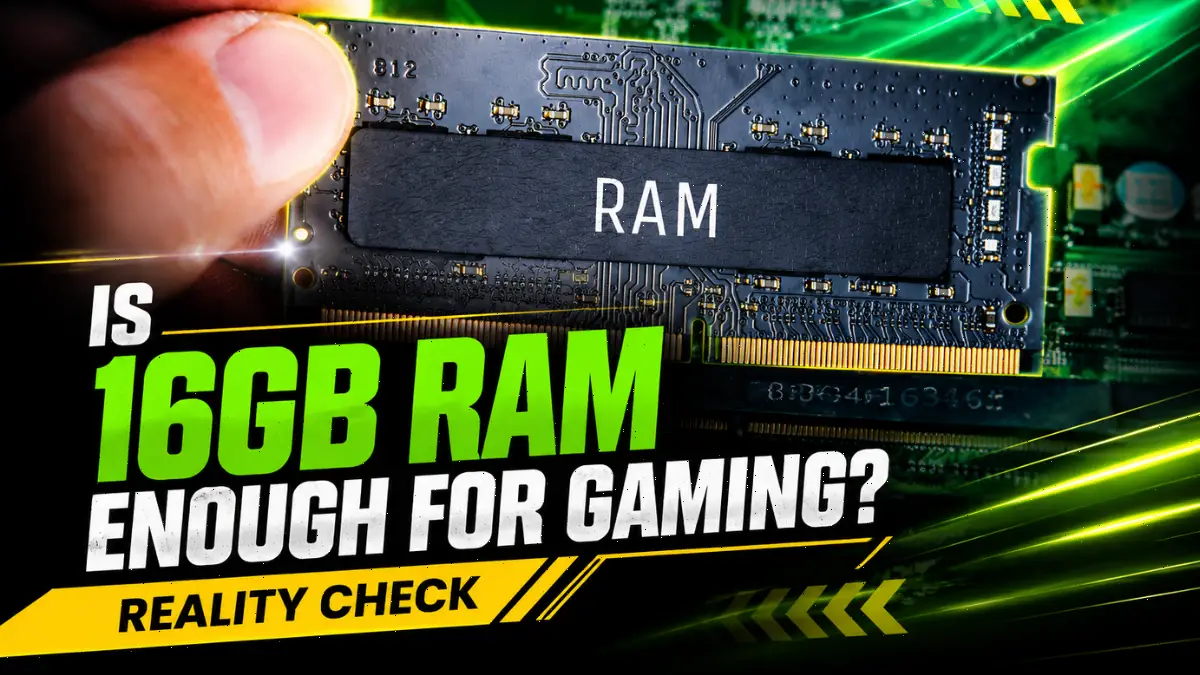
| RAM | 4GB | 8GB | 16GB |
| Storage | 36GB HDD free | 100GB SSD | 100GB NVMe SSD |
| Graphics | Intel HD 4400 / AMD Radeon R5 (integrated) | Intel UHD 630 / NVIDIA GTX 750 Ti | NVIDIA GTX 1660 Ti / Intel Iris Xe / AMD RX 6600 |
| Virtualization | Must be ON in BIOS | Must be ON in BIOS | Must be ON in BIOS |
For emulators, you need 4GB RAM, Windows 7, and 10GB free storage. For Google Play Games Beta, you need 8GB RAM, an SSD, and Windows 10 or newer. Integrated Intel UHD graphics work fine. Enable virtualization in BIOS before installing any emulator.
Will I Get Banned for Playing Free Fire MAX on an Emulator?
If you use a trusted and official emulator with unmodified game files, the risk of getting your account banned is very low. However, using any third-party cheat tool, modified APK, script, or hack panel with an emulator can result in a permanent account ban.
According to Garena’s official ban policy, using a modified or unauthorized game client is a bannable offense. This rule applies to cheat apps, hack tools, and unauthorized modifications, not to legitimate emulators that run unmodified game files. Garena’s Fair Play page also clearly explains this difference.
Which One Should You Download?
| Platform | Best For | Recommended When |
|---|---|---|
| Google Play Games (Beta) | Casual players | You have a modern laptop with an SSD and want to play smoothly without tweaking multiple settings |
| BlueStacks 5 | Competitive players | You care about K/D ratio, perform fast gloo wall tricks, or are using an older PC with an HDD |
Google Play Games Beta requires Windows 10 or 11, an SSD, and 8GB RAM. It only supports Free Fire MAX. Sign in with your Google account and install from the built-in Play Store.
Final Word
Playing Free Fire MAX on PC is easy and rewarding when you choose safe methods like Google Play Games or trusted emulators such as BlueStacks. Focus on account binding, official downloads, and proper settings to enjoy lag-free matches and upcoming OB54 update.
Your FF account stores all your progress, skins, and rank information, so always keep it secure. For more Free Fire tips, guides, and today’s Free Fire redeem codes, be sure to visit Gaming News Lab. See you again in the Final Circle.
Frequently Asked Questions
No. Garena has not released a native PC version. You must use an emulator or Google Play Games Beta.
Use Google Play Games Beta for Free Fire MAX, or official emulators. Never use third-party APK sites.
Yes, use Google Play Games Beta – it’s official and emulator-free.
No, but it helps. Integrated Intel UHD 630 works for casual play. A dedicated GPU like GTX 750 Ti gives you stable 60 FPS. Intel HD 4400 (2013-2014 laptops) will lag heavily.
Yes, but use LDPlayer 3 or 4, not BlueStacks 5. Assign only 2 CPU cores and 2-3GB RAM. Set resolution to 1280 x 720 and graphics to Smooth. Expect 20-30 FPS, not 60.




Free fire
Free fire proxy server de do yaar
Free fire proxy server