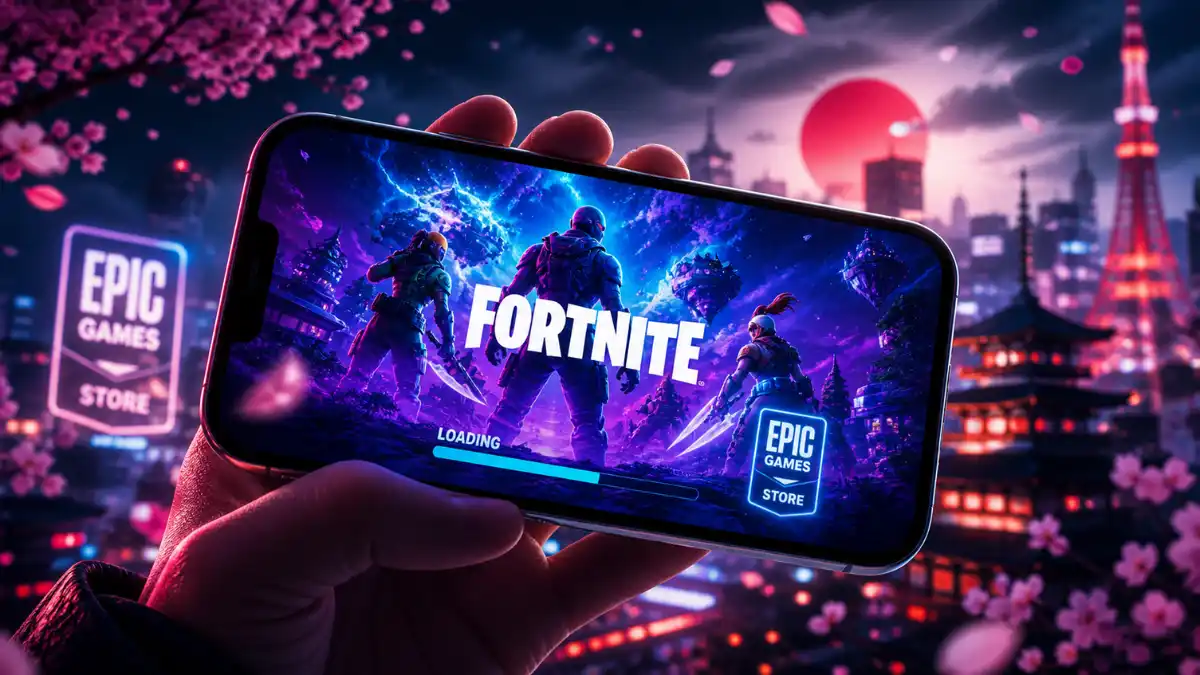
The Epic Games Store launched on iPhone in Japan on May 1, 2026, powered by Japan’s new Mobile Software Competition Act. Fortnite is playable on iOS in Japan for the first time since 2020. The launch lines up perfectly with Fortnite Chapter 7 Season 2 (Showdown), and there’s a free Yeddy Outfit up for grabs until June 3, 2026.
This happened because Japan passed the Mobile Software Competition Act (MSCA), which took full effect in December 2025 and forces Apple to allow competing app stores on iOS devices.Here’s the full install guide and everything you need to know right now.
What’s Available on Epic Games Store for iPhone?
The Epic Games Store for iPhone in Japan currently stocks two titles: Fortnite and Rocket League Sideswipe. No third-party apps or games are available yet. Inside Fortnite, players also unlock access to over 345,000 community-built experiences made through Unreal Editor for Fortnite, covering everything from tycoon sims to combat arenas.
The reason no other developers joined at launch comes down to fees. Apple charges a 5% Core Technology Fee on all revenue from apps distributed through competing stores. Combined with Epic’s own 12% commission (already far lower than Apple’s standard 30%), the real cost for any developer joining the Epic store lands at 17%. That’s enough friction to make most Japanese publishers wait and see. Epic CEO Tim Sweeney has signalled he plans to file a formal complaint with Japan’s Fair Trade Commission over what he calls deliberate obstruction.
How to Install Epic Games Store on iPhone in Japan (Step-by-Step)
Apple requires a specific permission process before any third-party app store can run on your iPhone. Epic published a step-by-step instructional video to help Japanese players through it. Here’s the short version.
Step 1: Download from Epic’s Website
Open Safari on your iPhone and go to store.epicgames.com. Tap the download button to grab the Epic Games Store app. You won’t find this in the Apple App Store at all. The only way in is through Epic’s official website.
Step 2: Enable Permission in Settings
After the file downloads, open your iPhone’s Settings app. Find the option to allow apps from third-party sources and select “Allow Apps from Epic Games Inc.” Once you confirm, open the Epic Games Store, log in or create a free account, and download Fortnite from there.
Worth knowing: Apple currently requires a nine-step process for this install. Epic has publicly criticized this as intentional friction. It’s not your imagination. It’s just more steps than it should be.
For more mobile install guides, check out Gaming News Lab’s full how-to library.
Fortnite Showdown Season — What’s New?
Fortnite Chapter 7 Season 2, called Showdown, puts every player into a global faction war from the moment they log in. You pick a team, your match results feed a live worldwide leaderboard, and the winning faction at season’s end decides the final Battle Pass bonus outfit. The season launched March 19, 2026, and brought a fully refreshed weapon pool including the Vector 7 DMR, Ice King’s Gauntlets, and Chaos Reloader Shotgun, alongside three new locations: New Sanctuary, Frigid Fortress, and Dark Dominion. Top leaderboard finishers can win an NVIDIA GeForce RTX 5080 GPU or a PlayStation 5.
Want to jump in with a real strategy? Our guide on leveling up your gaming skills is a solid starting point for new and returning players.
Team Foundation vs Team Ice King
The team choice in Fortnite Showdown is permanent. Pick carefully because you can’t switch later.
Team Foundation follows The Foundation, the leader of The Seven, built around lore and a strong loot pool if they win. Team Ice King follows the ancient ruler of Polar Peak with an immediate cosmetic advantage since the Ice King skin unlocks with the Battle Pass on day one.
As of late April 2026, Team Ice King is leading with over 1.06 billion rivalries won and 1.4 million active players. Team Foundation has 1.2 million players and is closing the gap. The winning team’s exclusive outfit style unlocks for all Battle Pass holders at season’s end. The losing style may appear in the Item Shop later, but Epic hasn’t confirmed that.
Free Yeddy Outfit — How to Claim It
The Yeddy Outfit is a free mobile-exclusive Fortnite skin available on both iOS and Android. Download Fortnite on any mobile device, tap the Invite a Friend button in the main lobby, send an invite to an eligible friend, then play a match and level up once. The skin unlocks automatically and appears in your locker.
According to Epic’s official support page, those are the four steps: open Fortnite on mobile, use the Invite a Friend button, send the invite, and level up.
One useful shortcut: you don’t need to actually send the invite to a real person. Just tapping the Invite a Friend button inside the Add Friends tab counts as completing the step.
The Yeddy skin comes with 10 color styles, toggleable glasses, and a reactive battery icon on the chest. It’s free until June 3, 2026. After that, it may return in the Item Shop, but nothing is confirmed.
Epic Games Store Japan vs Global Availability
The Epic Games Store on iPhone is currently live in two regions: the EU (since May 2025) and Japan (since May 1, 2026). Brazil is next, with a launch scheduled for June 2026. On Android and Windows PC, the store is available globally with no regional limits.
Japan is a big market. The Japanese mobile gaming industry was valued at $8.3 billion in 2025, and roughly 44% of Japanese smartphone users own iPhones. That’s a massive audience that couldn’t touch Fortnite on iOS for six years.
But the honest read on this launch is that it captured attention without fully controlling the story. The download link worked. That part was real. What the launch didn’t control was the narrative around it. Zero Japanese developer sign-ons at launch is the actual headline. Audience reaction to a new platform isn’t really about technical availability. It’s about whether the ecosystem feels complete, whether local developers feel safe joining, and whether players trust the experience. On all three of those, the Epic Games Store in Japan still has serious ground to cover.
Final Word
Here’s what you need to take away from all of this. Fortnite is back on iPhone in Japan and the install steps are simple: download from Epic’s website, allow the permission in Settings, and you’re in. Fortnite Showdown Season is live right now, Team Ice King is leading, and that final Battle Pass outfit is decided at season’s end. The free Yeddy Outfit has a hard cutoff of June 3, 2026, so don’t wait on it.
The bigger question of whether Epic’s store becomes a real alternative on iOS in Japan depends on whether regulators force Apple to lower the barriers for third-party developers. That story is still playing out.
For more Fortnite coverage and the latest gaming platform news, keep reading Gaming News Lab. We cover the moves that matter, every time they happen.
Frequently Asked Questions
The Epic Games Store is only available on iPhone in the EU and Japan right now. It launched in the EU in May 2025 under the Digital Markets Act, and in Japan on May 1, 2026 under the MSCA.
Apple charges a 5% Core Technology Fee on all revenue from apps distributed through competing stores.
Yes, for now. The Epic Games Store on iPhone is only active in the EU and Japan. If you’re outside those regions, the iOS version isn’t accessible.
The Yeddy Outfit is free for any player using a mobile device, iOS or Android, anywhere in the world.
Epic Games hasn’t confirmed an official end date for Fortnite Chapter 7 Season 2 yet.