
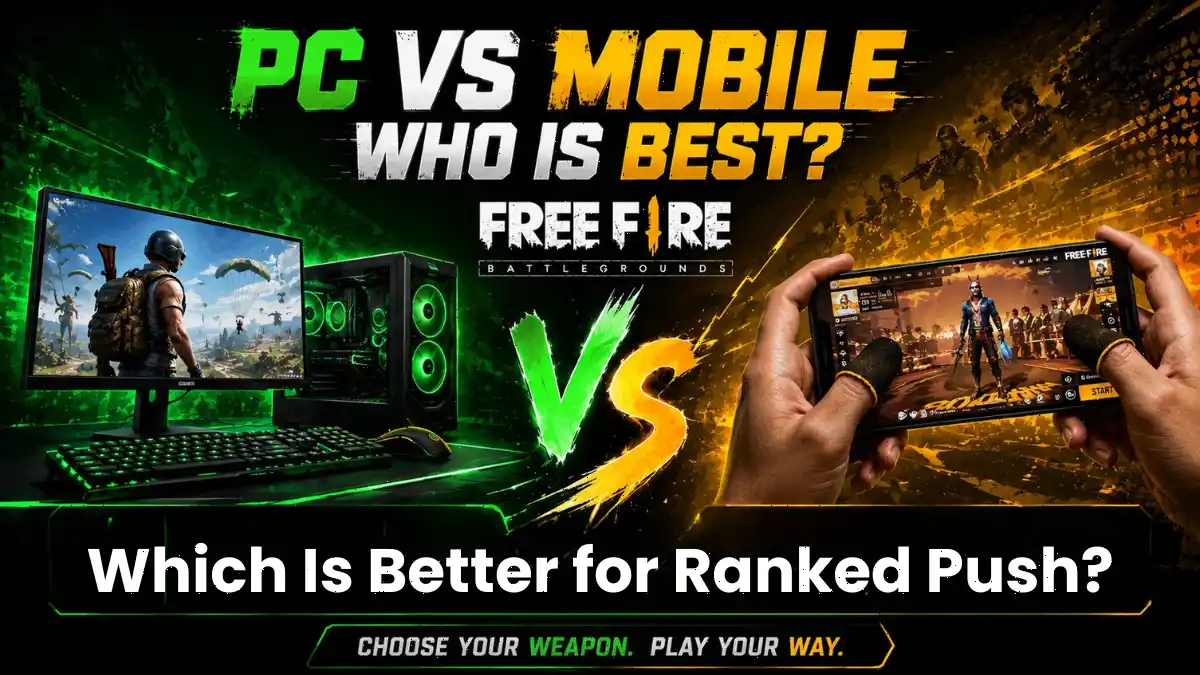
For Free Fire MAX players, the choice between playing on a mobile phone or a laptop can make a major difference in how the game feels, especially when ranked matches, aiming, movement and competitive performance are involved.
The biggest difference is not simply the size of the device. Mobile players use touch controls, while laptop players generally use a keyboard and mouse through an emulator or PC-based setup.
In this blog post, we will explain which setup can help you push rank more easily and which type of player is more skilled. We will also cover which setup can help you land better headshots consistently, along with everything a Free Fire player should know.
Does Free Fire MAX Even Have an Official PC Version?
If you play Free Fire MAX on a laptop using an emulator, it is not officially considered cheating. However, Garena does not have an official PC version. This means every player using a laptop is playing the mobile game on unofficial hardware, which can give them an advantage that mobile players cannot match.
The real issue is not the emulator, but the difference in control precision. A mouse makes aiming easier and more accurate, while a keyboard gives better control over movement and shortcuts. In addition, players also get the benefit of a larger screen and a more stable frame rate. It is really difficult to get the same level of smoothness with mobile touch controls. This is why many popular YouTubers and streamers use emulators to show impressive gameplay and grow their channels.
If you want to know the safest way to play on PC, check out our guide on how to play Free Fire MAX on PC using official methods.
Laptop vs Mobile: Which Setup Makes Rank Push Easier?
Laptop players generally have better aim, better visibility, and more stable FPS, which makes rank pushing easier. But the core game mechanics, such as damage values, zone timing, and loot spawns, remain identical across both platforms.
According to exitlag, a mouse helps with tracking enemies, making recoil adjustments, and moving the camera quickly. The keyboard makes movement inputs more direct compared to touchscreen joysticks. On top of that, a laptop screen is significantly larger than a phone display. This means laptop players spot enemies from farther away and track them more easily during fights.
Frame rate stability is another huge factor. Most budget phones in India play Free Fire at 30 to 40 FPS with occasional drops. A decent laptop can push 60 FPS or higher consistently. In a game where split-second reactions decide who gets the Booyah, stable FPS is a massive advantage.
Mobile players, meanwhile, still push rank hard every day. Touch controls have improved a lot with gyro aim, custom HUDs, and higher touch sampling rates on newer phones. The gap has narrowed. It has not closed.
Are Laptop Players Actually More Skilled, or Just Better Equipped?
Mouse controls generally produce better headshots than touchscreen controls because a mouse allows finer motor control for tracking, flicking, and recoil correction, all in one smooth motion.
On mobile, hitting consistent headshots requires mastering drag shots, which means swiping your thumb across the screen while firing. It takes months of practice to get right. On a laptop, you simply move your wrist. A discussion on Reddit summed it up perfectly: emulator players get a big screen, mouse and keyboard, smooth FPS, and better control. Of course it is easier to aim and hit headshots.
If you are a mobile player trying to improve your aim, do not give up. Our Free Fire headshot sensitivity guide has settings that can help you close the gap.
Are Emulators Banned in Free Fire MAX Ranked Matches?
Garena does not officially ban emulator users from ranked play, but using unofficial third-party tools, modified clients, or scripts can result in a permanent account suspension.
Garena’s official Abuse Policy state that, any unauthorized program that interacts with the game client as a bannable offense. This includes cheat apps, hack tools, and modified APKs. Legitimate emulators that run unmodified game files are generally tolerated, but the line is blurry. A Reddit post highlighted that Garena has warned emulator users are at risk of getting banned, even if they are not cheating.
I think as a player, If you care about your account, your skins, and your rank, do not take the risk with sketchy emulators or third-party downloads. Stick to trusted options like GameLoop or BlueStacks, and never use modified files.
Why Esports Tournaments Played Mobile-Only?
Every major Free Fire esports tournament, including the Esports World Cup 2026, requires players to use mobile devices provided by the tournament organizers. The official rulebook states that all equipment is subject to Tournament Administration approval, and players must compete on approved mobile hardware.
The fact that esports tournaments are typically mobile-only further highlights the disparity between emulator gameplay and authentic mobile skill.
Garena’s 2026 esports roadmap confirms the expansion of mobile-only competitions, including the return of EWC and the FFWS Global Finals. The competitive scene is built around mobile players because that is where the real skill lives.
How to Improve Your Ranked Push on Mobile Without Switching to Laptop?
If you want to Ranked Push on Mobile Without Switching to Laptop. You do not need a laptop to reach Heroic or Grandmaster. You need consistency, smart gaming sense, and optimized settings.
First, understand how ranked points work. According to BlueStacks’ ranked points breakdown, your rank is determined by survival time, placement, kills, and damage dealt. Survival time is the biggest factor. This means playing for the late game and avoiding unnecessary early fights will push your rank faster than chasing every kill.\
Next, fix your settings. If you play on a budget phone, check our Free Fire lag fix for low-end devices. Set graphics to Smooth, FPS to High, and turn off Auto-adjust. Close background apps and enable your phone’s Game Mode before every match.
For controls, use our best Free Fire control settings to set up a claw layout that works for your hand size. Pair that with the best Free Fire characters for solo play like DJ Alok or Jota to give yourself an edge without breaking any rules.
Finally, play for placement. The BlueStacks Grandmaster guide emphasizes that Grandmaster is earned through consistency, not chasing every fight. Smart rotations beat aggression every single time.
Is It Worth Switching to Free Fire MAX on Laptop Just for Rank?
Pushing rank by playing Free Fire on a laptop is easier, but it will not make you a professional mobile player. If your goal is to take part in tournaments or build real skills in mobile gaming, playing on an emulator is a step in the wrong direction.
Playing Free Fire MAX on a laptop via an emulator is fine for content creation, but if you dream of competing in the FFWS or representing India on the global stage, you must master mobile controls.
At the end of the day, your rank is just a number. Your skill is what matters when the stakes are real.
Frequently Asked Questions
You will not get banned for using a legitimate emulator like BlueStacks or GameLoop with unmodified game files. However, Garena’s Abuse Policy states that using unauthorized third-party programs, modified clients, or cheat tools can result in a permanent ban with no appeal.
GameLoop and BlueStacks are the safest options. GameLoop is made by Tencent and includes built-in anti-cheat technology. BlueStacks is the most widely used Android emulator for gaming and receives consistent updates. Avoid unofficial emulators or sketchy download sites.
Yes, laptop players have a clear advantage in aiming precision, screen visibility, and frame rate stability. A mouse allows for pixel-perfect tracking that is extremely difficult to replicate on a touchscreen. This is why many mobile players feel the ranked system is not fully fair.
Garena has not publicly explained why there is no official PC version. However, the mobile-only nature of the game aligns with its massive mobile player base, especially in regions like India, Southeast Asia, and Brazil. The esports ecosystem is also built entirely around mobile competition.
Focus on survival and placement over aggressive kill-chasing, since survival time is the biggest ranked point factor. Optimize your in-game settings for stable FPS, use a claw control layout for faster reactions, and master rotation timing. Mobile players who play smart can absolutely outrank emulator players who rely only on aim.



1 thought on “Free Fire Max on Laptop vs. Mobile: Which Is Better for Ranked Push?”