Do you dream of having a powerful gaming PC for beginners that can handle the latest games with ease? Are you a beginner who has no idea where to start when it comes to building your own rig? Look no further! In this comprehensive guide, we will break down the process of building a gaming PC into easy-to-follow steps.
By the end of this article, you will have the knowledge and confidence to embark on your own DIY gaming PC project.
What is a gaming PC and how does it differ from a regular PC?
Before we dive into the nitty-gritty details, let’s first understand what a gaming PC is and why it is important. A gaming PC is a specialized computer designed to deliver high-performance gaming experiences. Unlike regular desktops or laptops, gaming PCs are equipped with powerful processors, dedicated graphics cards, and ample memory to handle the demanding requirements of modern games.
But what makes a gaming PC different from a regular computer? Let’s take a closer look at the key components that make up a gaming PC.
What are the essential components needed to build a gaming PC?
When it comes to building a gaming PC, there are several key components that you need to consider:
- Processor (CPU): This is the brain of your gaming PC, responsible for executing all the tasks and calculations. A powerful CPU can handle complex game physics, artificial intelligence, and other calculations that contribute to a seamless gaming experience.
- Graphics Card (GPU): The GPU is responsible for rendering the visuals in games and plays a crucial role in delivering smooth gameplay. It processes and renders images, textures, and special effects, allowing you to enjoy stunning graphics and lifelike environments.
- Motherboard: This is the main circuit board that connects all the components of your gaming PC. It provides the communication pathway between the CPU, GPU, RAM, storage devices, and other peripherals. A high-quality motherboard ensures stable performance and compatibility with the latest hardware.
- RAM and Storage: RAM provides temporary storage for data, allowing your gaming PC to quickly access and process information. The more RAM you have, the smoother your gaming experience will be. Storage devices such as solid-state drives (SSDs) and hard disk drives (HDDs) store your games, files, and operating system. SSDs offer faster loading times, while HDDs provide larger storage capacities at a lower cost.
- Power Supply Unit (PSU) and Cooling Systems: These components ensure that your gaming PC receives adequate power and stays cool during intense gaming sessions. A high-quality PSU delivers stable power to all components, while efficient cooling systems, such as fans or liquid cooling, prevent overheating and maintain optimal performance.
Now that we have a better understanding of the key components, let’s explore why having a good gaming computer is so important.
You may also read more about How to Get Into Gaming Industry in 2024.
Importance of a Good Gaming PC
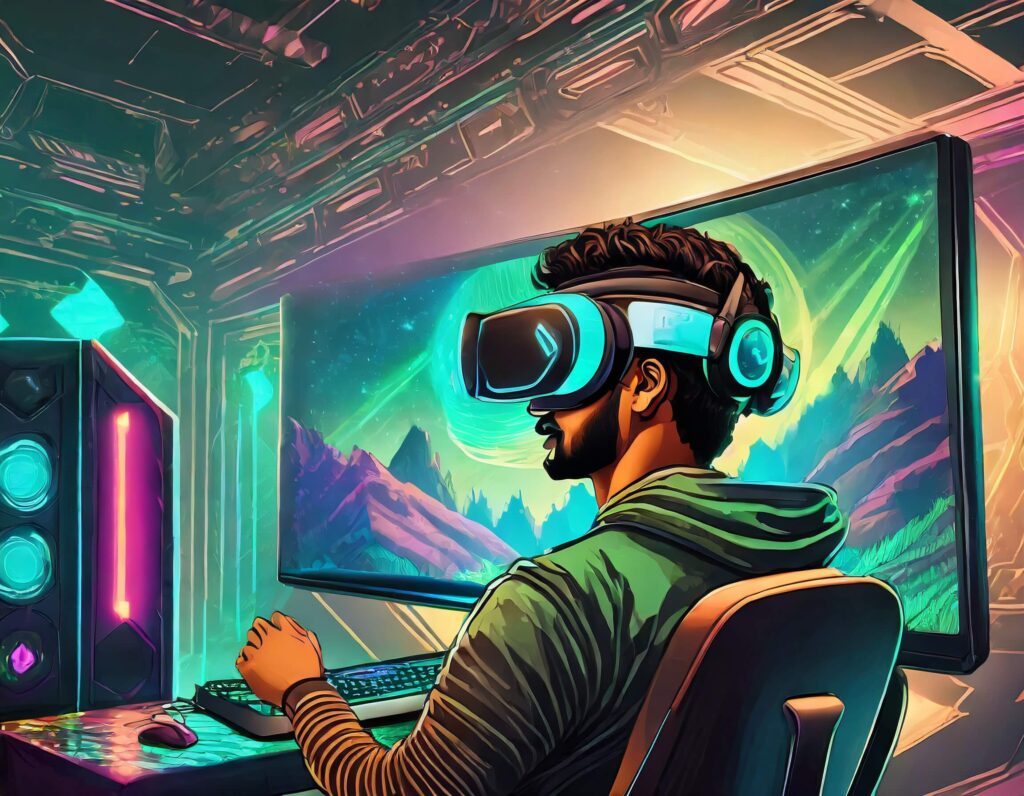
A good gaming PC is crucial for a smooth gaming experience. It allows you to play the latest games at higher resolutions, frame rates, and graphical settings. With a powerful CPU and GPU, you can enjoy games with stunning visuals, realistic physics, and immersive environments.
Imagine exploring a vast open world, filled with breathtaking landscapes and intricate details. With a good gaming PC, you can experience every blade of grass swaying in the wind, every ray of sunlight filtering through the trees, and every particle effect bringing explosions to life.
Not only does a high-performing gaming computer enhance immersion, but it also ensures that you don’t miss out on the stunning visuals and detailed worlds that game developers spend countless hours crafting. You can fully appreciate the artistic vision behind each game, from the meticulously designed characters to the intricately rendered environments.
Furthermore, a good gaming system allows you to take advantage of advanced features such as ray tracing, which adds realistic lighting and reflections to games, creating a more lifelike experience. It also enables you to play games in virtual reality (VR), immersing yourself in a whole new dimension of gaming.
So, whether you’re a casual gamer or a competitive esports player, investing in a good gaming PC is essential to unlock the full potential of modern games. It’s not just about having the latest hardware; it’s about immersing yourself in a world of endless possibilities and unforgettable experiences.
Planning Your Gaming PC Build
Now that you understand the essentials of a gaming PC, it’s time to plan your build.
How much should a beginner spend on a gaming PC in 2026?
Before you start buying components, it’s essential to set a budget for your gaming PC build. Determine how much you are willing to spend and allocate that budget to different components.
Identifying Your Gaming Needs
Consider the type of games you will be playing and the desired settings. If you primarily play competitive multiplayer games, you may prioritize a higher refresh rate monitor and a powerful graphics card. On the other hand, if you enjoy visually stunning open-world games, investing in a more powerful processor and additional RAM might be a better choice.
Choosing the Right Components
With your budget and gaming needs in mind, it’s time to choose the right components for your gaming PC.
Which CPU is best for a beginner gaming PC build?
The processor you choose will depend on your budget and the performance you require. Research different processors available in the market and compare their specifications to find the best fit for your needs.
What is the best budget graphics card for 1080p gaming?
The graphics card is one of the most vital components of a gaming computer as it directly impacts gaming performance. Look for a graphics card that can handle the games you want to play at your desired settings. Check benchmarks and reviews to make an informed decision.
Picking the Right Motherboard
When selecting a motherboard, ensure compatibility with your chosen processor and GPU. Consider the number of expansion slots, USB ports, and other features that meet your requirements.
RAM and Storage Options
Opt for sufficient RAM for a smooth gaming experience. Additionally, choose storage options that suit your needs, whether it’s faster SSDs or traditional HDDs with larger capacities.
Power Supply and Cooling Systems
Invest in a reliable power supply unit that can handle the power requirements of your components. Consider efficient cooling systems to prevent overheating and maintain optimal performance.
How long does it take to build a gaming PC for the first time?
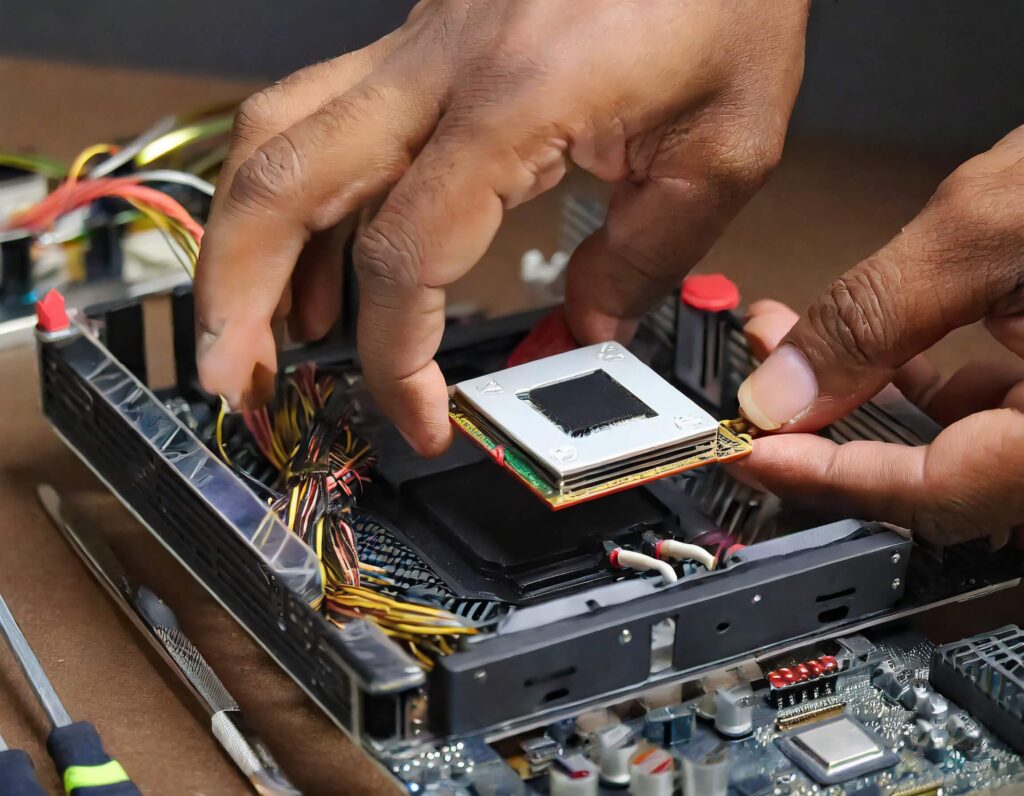
With all the components ready, it’s time to put them together and assemble your gaming PC.
Preparing Your Workspace
Choose a clean, well-lit area where you can work comfortably. Clear the space and gather the necessary tools you’ll need for the assembly process.
Step-by-Step Assembly Instructions
Begin assembling your gaming system by following the detailed step-by-step instructions provided by the component manufacturers. Ensure that you connect all the components correctly and securely, and pay attention to cable management for better airflow and aesthetics.
Congratulations! You have successfully built your own gaming computer. Now, it’s time to install your favorite games, customize your settings, and embark on epic gaming adventures.
Building a gaming computer may seem daunting at first, but with this guide, you now have the knowledge and confidence to tackle the project head-on. Remember to be patient, follow instructions carefully, and enjoy the rewarding experience of creating a gaming PC tailored to your needs.
Happy gaming!
Frequently Asked Questions
To build a gaming PC for beginners, you need several key components: a Processor (CPU), Graphics Card (GPU), Motherboard, RAM, Storage device (SSD or HDD), Power Supply Unit (PSU), and a Cooling System.
According to the guide, the Graphics Card (GPU) is one of the most vital components because it directly impacts gaming performance by rendering visuals. The Processor (CPU) is also crucial as the brain of the PC, responsible for executing tasks, game physics, and artificial intelligence.
SSDs offer faster loading times for games, while HDDs provide larger storage capacities at a lower cost. Your choice depends on your specific needs and budget.
Sufficient RAM to ensure a smooth gaming experience. RAM provides temporary storage for data, allowing your gaming PC to quickly access and process information while playing.
Before buying components, determine how much you are willing to spend and allocate that budget across different parts. Consider the type of games you will play: competitive multiplayer games may require a powerful GPU and high-refresh-rate monitor, while open-world games may benefit more from a stronger processor and additional RAM.
Start by preparing a clean, well-lit workspace. Then follow the detailed step-by-step instructions provided by your component manufacturers. Ensure all components are connected correctly and securely, and pay attention to cable management for better airflow and aesthetics.
A good gaming PC is crucial for a smooth gaming experience. It allows you to play the latest games at higher resolutions, frame rates, and graphical settings. It also enables advanced features like ray tracing for realistic lighting and supports virtual reality (VR) gaming for deeper immersion.