
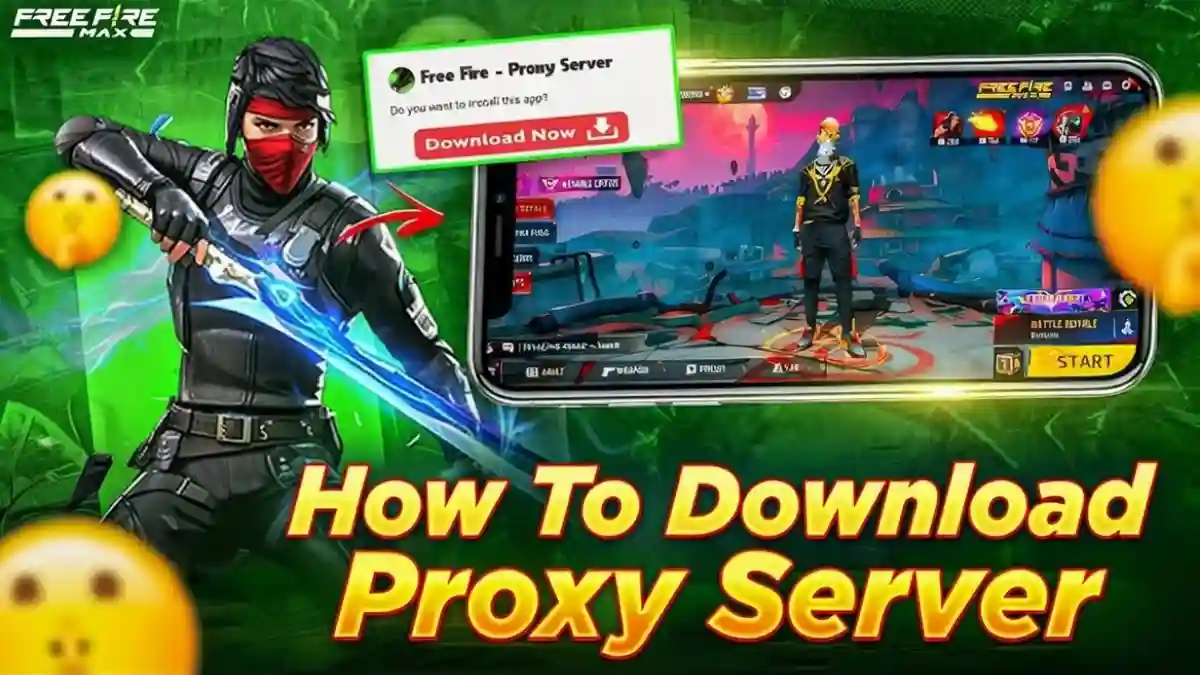
You can download and install a Free Fire proxy server by installing a trusted proxy APK on Android, selecting a nearby server, and launching Free Fire through the proxy. While this may help reduce lag or change routing, it is not an official Garena feature and carries risks.
What Is a Free Fire Proxy Server?
A Free Fire proxy server acts as a middleman between your device and the game servers. Instead of connecting directly, your traffic is routed through a proxy, which can sometimes stabilize latency or access a different region. Many players search for this hoping for “zero ping” or special access, but expectations should be realistic.
RELATED POST- How to Download and Play Free Fire MAX on PC in 2026
How Do I Download and Install Free Fire Proxy Server?
Step-by-Step Installation (Android)
- Find a trusted proxy APK from a known gaming guide site.
- Enable Unknown Sources on your phone (Settings → Security).
- Download and install the proxy APK.
- Open the proxy app and select a server close to your region.
- Launch Free Fire through the proxy app.
Important: Garena does not officially support proxy servers. Always scan with VirusTotal before installing.
According to guides published on gaming community sites like Free Fire Keeda, proxy tools are mainly used to reroute traffic not to unlock premium items.
RELATED POST- Free Fire Headshot Sensitivity Guide (2026): Best Settings for Beginners on Android
How to Get Zero Ping in Free Fire?
Let’s be honest true zero ping doesn’t exist.
A proxy may:
- Reduce packet loss
- Provide a more stable route to servers
But ping also depends on:
- Your internet speed
- Distance from the official Free Fire server
- ISP routing quality
Esports network analyses show that proxies can sometimes increase latency if the route is poorly optimized.
RELATED POST- Free Fire Profile Edit: How to Make Your Profile Look Like a Pro (Step-by-Step)
How to Install Proxy on Phone (Android vs iOS)
| Platform | Proxy Installation Support |
|---|---|
| Android | ✔ APK installation supported |
| iOS | ✖ Limited / not recommended |
On iOS, proxy installation usually requires system-level VPN profiles, which makes “Free Fire proxy APK” downloads unsafe or impossible.
RELATED POST- Best Custom HUD in Free Fire (2025): Top 2, 3, 4 Finger Layouts and Pro Codes
Which Server Is Best in Free Fire?
The best server is always the official server closest to your real location (India, SEA, EU, etc.).
A proxy can only route your connection. it cannot magically move your account to another official server without drawbacks like high ping or matchmaking issues..
RELATED POST- Free Fire Profile Edit 2025: AI Cinematic Poster Guide
VIP Proxy Server Download Link for Free Fire – Reality Check
You have probably seen claims like:
“VIP Proxy Server = Free Gun Skins + Zero Ping”
Here’s the reality:
- Proxies do not officially unlock skins
- Items seen may be temporary or client-side only
- Many so-called VIP links are clickbait or unsafe
TalkEsport has warned that most VIP proxy claims are misleading and may risk account suspension.
Expert Insight: 5+ Years Free Fire Player Experience
“I got a VIP Proxy Server from a website, and it worked well on my account. I got access to a vast collection of gun skins and more, all for free. However, I was unable to gift items to my alternate account, and I couldn’t participate in matches after equipping my new gear.”
This experience highlights a key point: proxy-based changes often don’t sync server-side, which can break gameplay features.
Pros & Cons of Using a Free Fire Proxy Server
| Category | Details |
|---|---|
| Pros | May improve routing stability Can help test different network paths |
| Cons | Not supported by Garena Risk of malware from APKs Possible account restrictions No guaranteed ping improvement |
Key Takeaways
- Free Fire proxy servers are network tools, not cheat systems
- Zero ping and free premium items are mostly myths
- Always prioritize official servers and safe downloads
- If performance is your issue, optimizing your network is safer than using third-party tools
To boost your gameplay’s safety, see our Free Fire MAX PC performance guide.







Free fire proxi sarvar
90