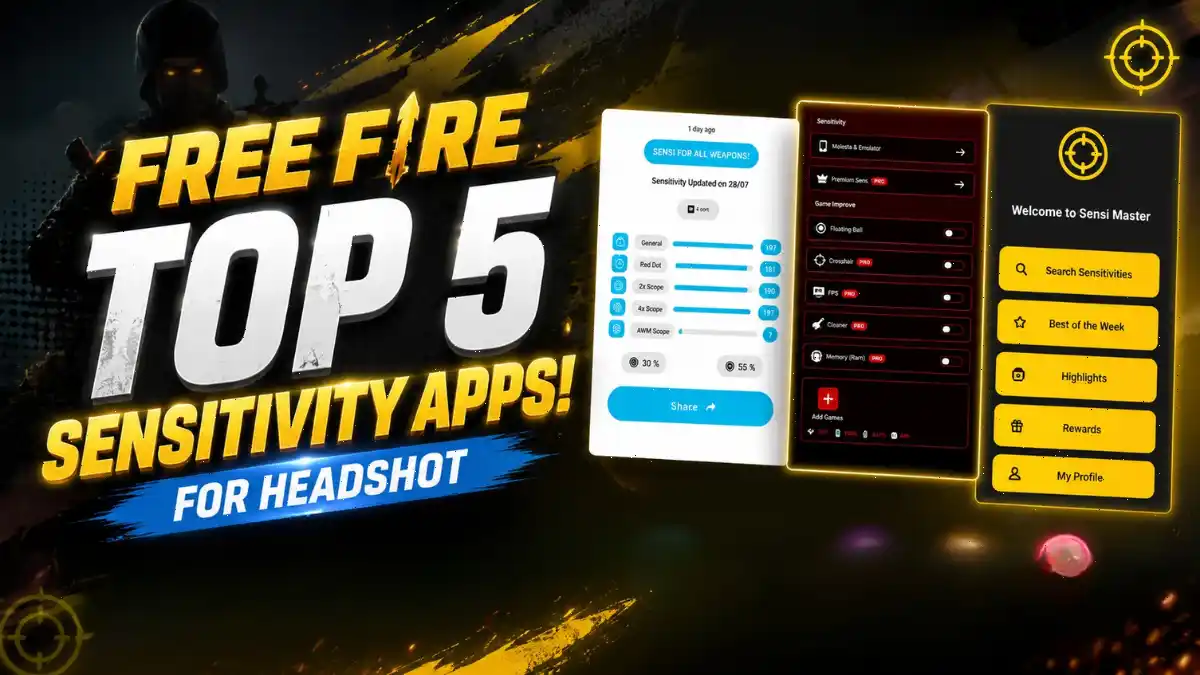
Looking for an app to get Free Fire sensitive codes, but not sure which one is actually useful? Which app really offers good sensitive codes? Many players trust viral apps and download them, but those apps often do not work as expected. That is why it is important to know which app you should use if you are looking for Free Fire sensitive codes.
In this blog post, I have listed the top 5 Free Fire sensitive apps that I personally downloaded and tested one by one on my iQOO Neo 6 phone. I will share my experience with each app in detail, so you can easily understand which one is the best choice for you.
What Is the Best Sensitivity App for Android?
| App Name | Rating | Downloads | Best For | Free Version |
|---|---|---|---|---|
| Faile Sensitivity | 4.5+ | 100,000+ | Beginners | Good enough |
| Sensi Pro & Game Tools | 4.5+ | 1,000,000+ | Quiz-based setup | Needs 3 ads |
| Fireshote | 4.5+ | 500,000+ | Weapon-specific settings | Needs 3 ads |
| SenXit | 4.5+ | 5,000,000+ | Auto-detection | Partially free |
| Sensi Master | 4.5+ | 1,000,000+ | Community codes | Needs Google sign-in |
All the apps require Android 5.0 or a newer version to run. Most of them offer in-app purchases ranging from ₹40 to ₹1,950. I tested only the free versions because around 90% free fire player want free version.
Is Faile Sensitivity Good for Beginners?
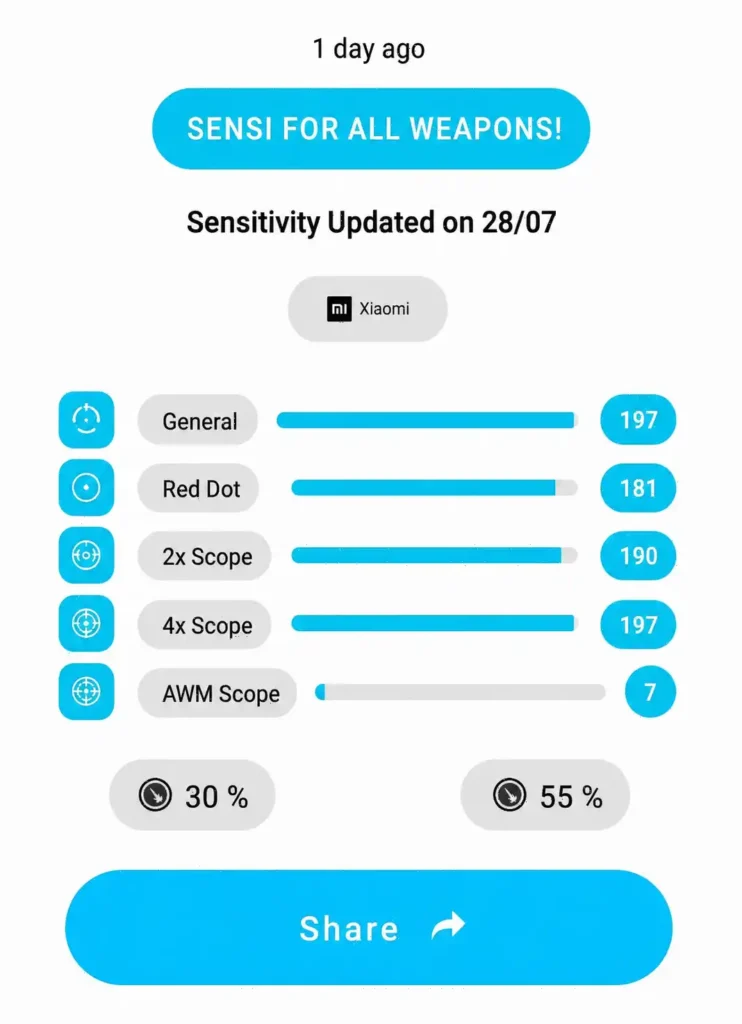
The Faile Sensitivity app is one of the easiest options for new players who want ready-made sensitivity presets for their phone. It has a clean and simple interface. The app also provides pre-made sensitivity settings for many phone models. You can copy the code and use it directly in Free Fire.
The app also includes HUD suggestions, Fire Button adjustments, and optimization tips. However, some features are locked behind a ₹500 premium paywall. I do not recommend buying the premium version. The free presets are a good starting point. After that, you can adjust the sensitivity values by 5 points up or down based on your comfort and gameplay.
This app is only 9.5 MB in size, so it runs smoothly even on phones with low-end hardware. If you are new to sensitivity tuning, it is a great place to start. If you want to fine-tune your sensitivity for better headshot accuracy and more advanced settings, be sure to check out our Free Fire Headshot Sensitivity Guide.
Does Sensi Pro & Game Tools Give Personalized Results?
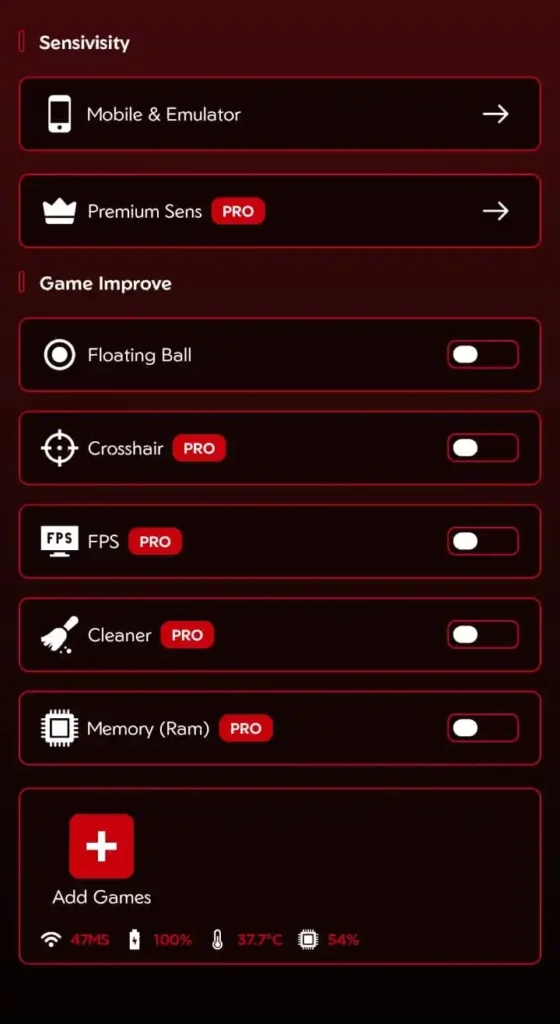
Sensi Pro asks about your preferred aim speed, play style, and phone configuration. It wants to know your RAM, storage, DPI, and fire button size. After you answer, the app generates a custom sensitivity profile.
The biggest downside of this app is its ad wall. You need to watch at least three ads to unlock the sensitivity code you generate. The app also includes extra features like Game Launcher, FPS Monitor, and Cache Cleaner. These are useful additions, but the main highlight of the app is still its Sensitivity Generator.
The quiz system makes this app feel more personalized than Faile Sensitivity. However, the results are still based on general recommendations. For better performance, you should go to the Training Ground and adjust the sensitivity settings to match your gameplay. If your phone often lags, be sure to read our detailed guide on reducing lag on low-end devices.
Can Fireshote Generate Weapon-Specific Sensitivity Codes?
If you want weapon-wise customization, Fireshote is the best option. The app asks for details like your phone model, RAM, and internal storage. Based on that, it generates separate sensitivity values for each weapon category. You can customize the sensitivity settings for SMGs, ARs, Snipers, and Shotguns individually.
The app also includes extra features like a Floating Ball Button, FPS Display, and Ping Graph. These tools help you keep track of your performance during matches. Fireshote claims to offer sensitivity settings inspired by pro players. However, I noticed one important thing during testing. The app does not provide the exact sensitivity codes of any pro player.
Instead, it clearly states that its settings are only inspired by top creators. This is an honest approach, but if you are hoping to copy the exact settings of Raistar or Sultan Proslo, this app will not meet that expectation.
You need to watch 3 ads to unlock the full sensitivity code. The app is 18.0.1 version and works on Android 8.0 and up. If you want deep customization, Fireshote is worth trying. Remember to pair your sensitivity with the best custom HUD in Free Fire for full control.
Are SenXit and Sensi Master Worth Downloading?
SenXit is the most advanced app on this list. It automatically detects your phone model and gathers its hardware details. Based on that, it provides sensitivity settings, training methods, headshot tips, optimization guides, and 2-, 3-, and 4-finger HUD layouts. The app has been downloaded more than 5 million times, showing its popularity and wide use.
Some features in this app are free, while others require a premium subscription. For example, if there are five HUD options, three may be available for free, while the other two are limited to premium users. Even so, the free content is quite useful. SenXit also includes tools like a DPI Calculator and Super Touch Optimization. These are bonus features as compare to other apps.
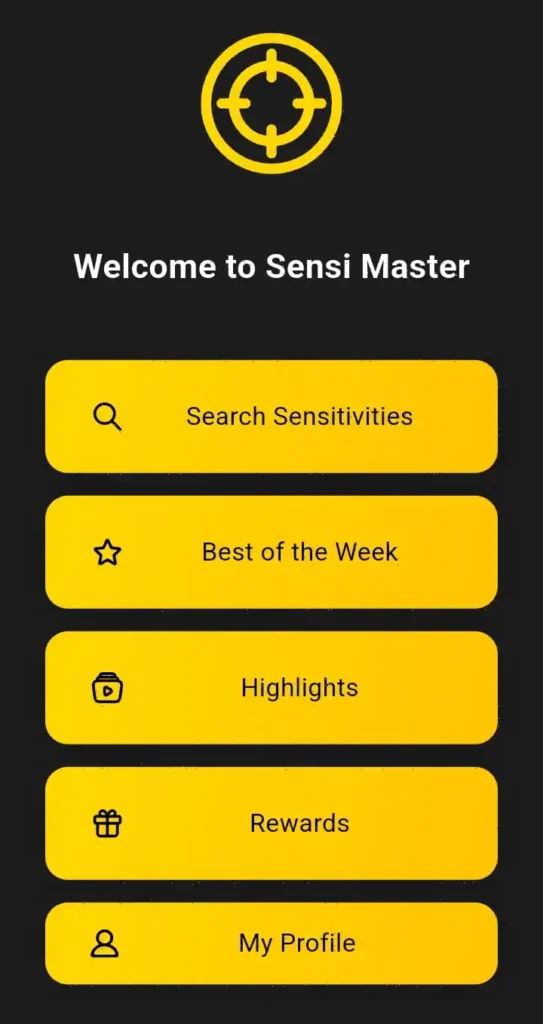
To use Sensi Master, you need to sign in with your Google Account. For some users, this may raise privacy concerns. Once you enter the app, you will see community-voted sensitivity codes. This lets you check which sensitivity settings other players with the same phone model are using. Each code also includes weekly survey results, likes, and comments, making the platform feel more genuine and trustworthy. However, to view the full details of a code, you still need to watch ads or buy a premium subscription.
The Honest Truth About Sensitivity Apps
After testing all five apps, my conclusion is that they are not scams, but they are not game-changers either. They simply give you a good starting point. After that, better results depend on your practice and your own sensitivity tuning. You cannot copy a sensitivity code, jump straight into a Ranked match, and expect your performance to improve instantly.
Your phone’s FPS matters. Your screen’s touch response matters. The speed of your fingers is just as important. Based on RAM-based sensitivity data, a General Sensitivity of around 180–200 is usually recommended for phones with 2GB RAM, while 140–170 is generally better for phones with 12GB RAM. These apps suggest settings based on this range, but they cannot understand your phone’s actual touch response or the way you play.
I spent several days adjusting every generated sensitivity code. Some settings felt too fast, while others felt too slow. To find the right sensitivity, I had to change the values by 5 to 10 points many times. This is completely normal. The best way to build muscle memory is by practicing regularly in the Training Ground. Apps can only give you a starting point, but only your own hands can fine-tune those settings to match your gameplay.
Final Word
Free Fire Sensitivity Apps are helpful tools, but they are not a shortcut. I have been playing Free Fire since 2018, and based on my experience, I can confidently say that the best sensitivity is the one you adjust yourself to match your gameplay.
Use these apps to understand how General, Red Dot, and Scope sensitivity work. Then adjust all the values based on your phone, touch response, and playing style. This approach gives the best results in the long run.
For more Free Fire guides, tips, and honest reviews, keep reading Gaming News Lab. We cover everything from redeem codes to esports tournaments. Check out the latest Free Fire India latest news to stay updated.
Frequently Asked Questions
No, they do not improve headshots automatically. They generate suggested sensitivity codes based on your phone specs.
Yes, these apps are safe because they do not modify game files. They only provide reference numbers that you copy into Free Fire settings manually.
No, I do not recommend paying for premium features. The free versions give you enough sensitivity data to start.
You should practice for at least 10 to 15 minutes daily for one week. Focus on drag shots, one-taps, and scope movements.
No, you cannot expect instant results. Pro players use different phones, different HUD layouts, and have years of muscle memory.