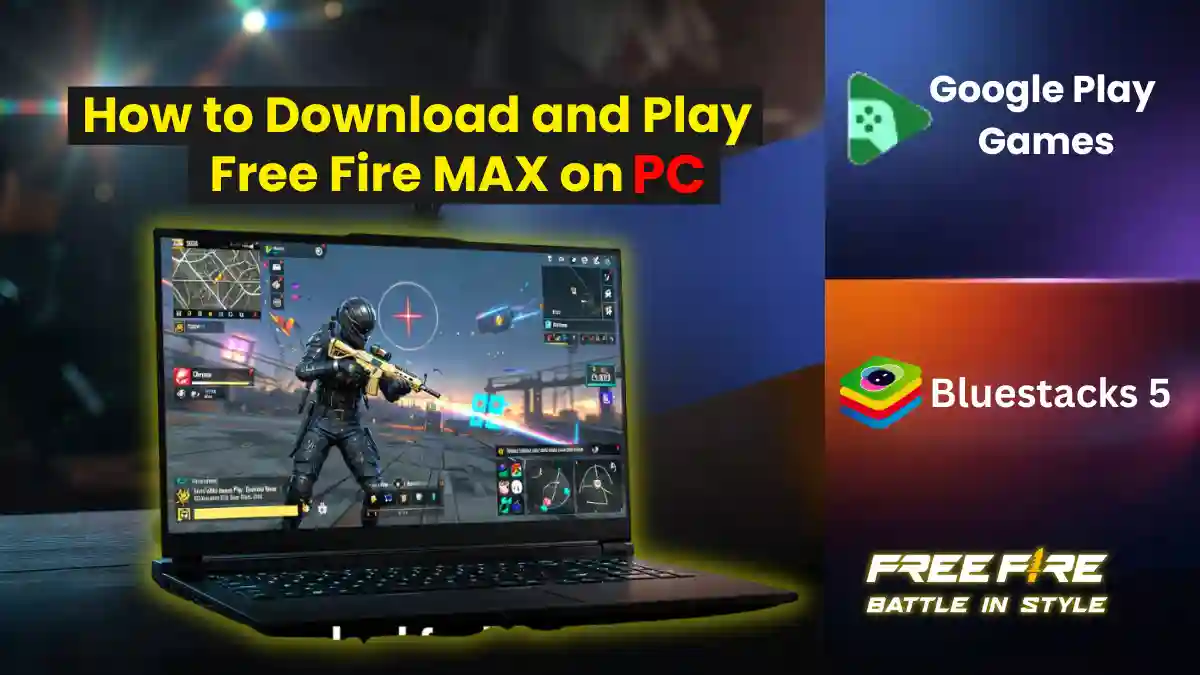
If you’re searching for Free Fire download for PC, you’re in the right place. While the original Free Fire is banned in India, Free Fire MAX is fully legal and available to play on Windows. In this guide, we’ll show you two working methods to download and play Free Fire MAX on PC in 2026.
This guide help you through the complete step-by-step process to download and install Free Fire MAX on your PC.
Remember, the original Free Fire remains banned in India. Free Fire MAX is the enhanced version of Garena’s mobile battle royale game, legally available in India.
Which Method is Right for You?
| Feature | Google Play Games (Official) | BlueStacks 5 |
|---|---|---|
| Best For | Casual players, Safety, Stability | Rank Pushers, Headshot Tricks, Content Creators |
| RAM Usage | Low (~700MB – 1GB) | High (2GB – 4GB+) |
| Storage Requirement | SSD Required (Strict) | HDD or SSD |
| Headshot Ease | Standard Mobile Feel | High (Custom X/Y Axis Tweaks) |
| Ban Risk | Zero (Official Google Product) | Low (If using official versions) |
RELATED POST- Free Fire Headshot Sensitivity Guide (2026): Best Settings for Beginners on Android
Method 1: Google Play Games (Official)
Google Play Games Beta is the only official way to play Free Fire MAX on PC without an emulator. It’s lightweight, safe, and matches you only with other PC players.
System Requirements:
| Component | Minimum Requirement |
|---|---|
| OS | Windows 10 (v2004) or Windows 11 |
| Storage | SSD with 10GB free space |
| Graphics | Intel UHD 630 or better |
| CPU | 4 physical cores |
| Virtualization | VT-x (Intel) or SVM (AMD) enabled in BIOS |
Step-by-Step Installation
- Go to Google Play Games official site.
- Download and install the client.
- Enable virtualization in BIOS (F2/Del → VT-x or SVM).
- Sign in with your Google account (same as mobile).
- Search “Free Fire MAX” and click Install.
- Launch and play.
If you face a Sprint Bug” in the Beta version (Shift key not working for sprinting) then follow this:
- Open PC Settings → Accessibility → Keyboard, then turn OFF Sticky Keys and Filter Keys.
RELATED POST- How to Make Your Profile Look Like a Pro (Step-by-Step)
Method 2: BlueStacks 5
If you’re a competitive player, BlueStacks 5 gives you macros, custom sensitivity, and keymapping, perfect for rank pushing and headshots.
System Requirements
| Component | Minimum Requirement |
|---|---|
| OS | Windows 7+ or macOS 11+ |
| RAM | 4GB minimum |
| Storage | 10GB free disk space |
| Virtualization | Enabled in BIOS |
Step-by-Step Installation
- Download BlueStacks 5.
- Install and sign in with Google.
- Search “Free Fire MAX: Winterlands” in Play Store.
- Click Install.
- Launch from home screen and enjoy.
Anti-ban tip: Always use official BlueStacks version and avoid third-party APKs.
Third-party emulators act as a virtual machine, which can be resource-intensive. BlueStacks, which are third-party emulators, are usually detected by the system. Therefore, PC users are only matched with PC users to avoid overpowering mobile users with better aim and control.
Which One Should You Download?
| Platform | Best For | Recommended When |
|---|---|---|
| Google Play Games (Beta) | Casual players | You have a modern laptop with an SSD and want to play smoothly without tweaking multiple settings |
| BlueStacks 5 | Competitive players | You care about K/D ratio, perform fast gloo wall tricks, or are using an older PC with an HDD |
Google Play Games Beta is best for simple, lag-free Free Fire MAX gameplay on PC, but BlueStacks 5 is ideal for competitive Free Fire players, pro sensitivity control, and low-end PC optimization.
Frequently Asked Questions
No, but Free Fire MAX is available via Google Play Games or BlueStacks.
Yes, Free Fire MAX is legal and available for download in India.
Yes, use Google Play Games Beta – it’s official and emulator-free.
No, if you use the official version and don’t use cheats or macros in ranked.