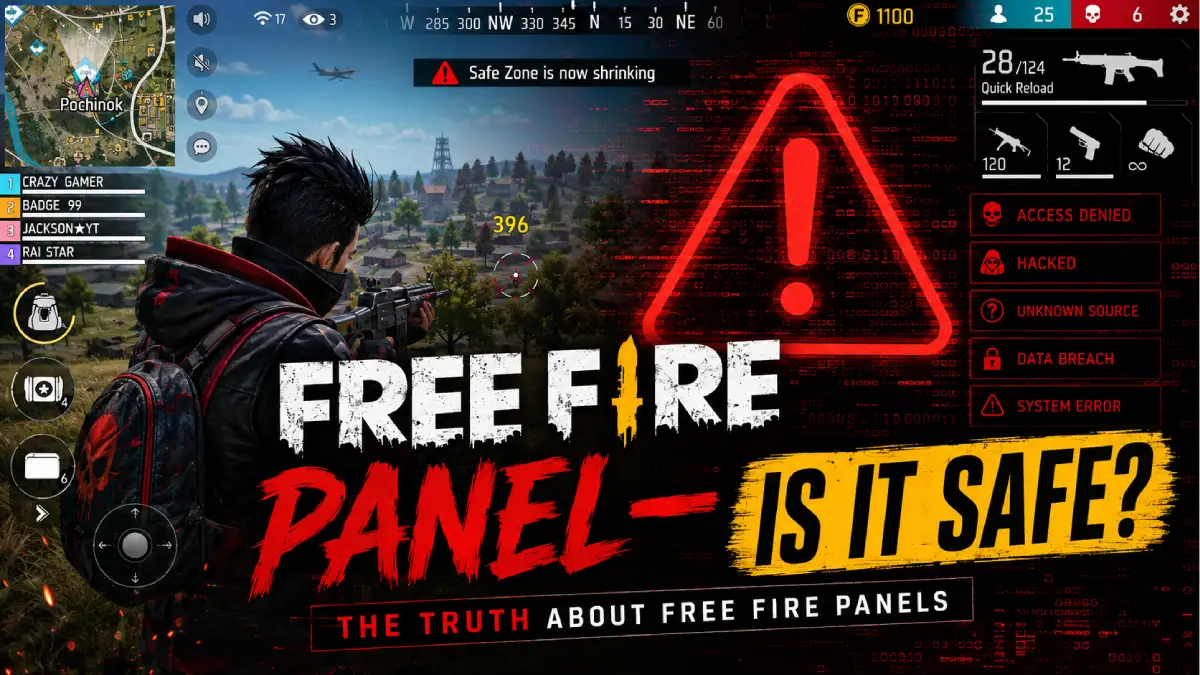
If you have spent time in Free Fire communities, you’ve probably seen people talk about a “panel” for mobile. Usually, they mean some kind of third-party tool, mod menu, or hacked app that claims to give an unfair advantage in the game.
Here’s the honest answer: there is no safe or legitimate way to make a Free Fire panel on mobile. And more importantly, trying to use one can put your account, device, and personal data at risk.
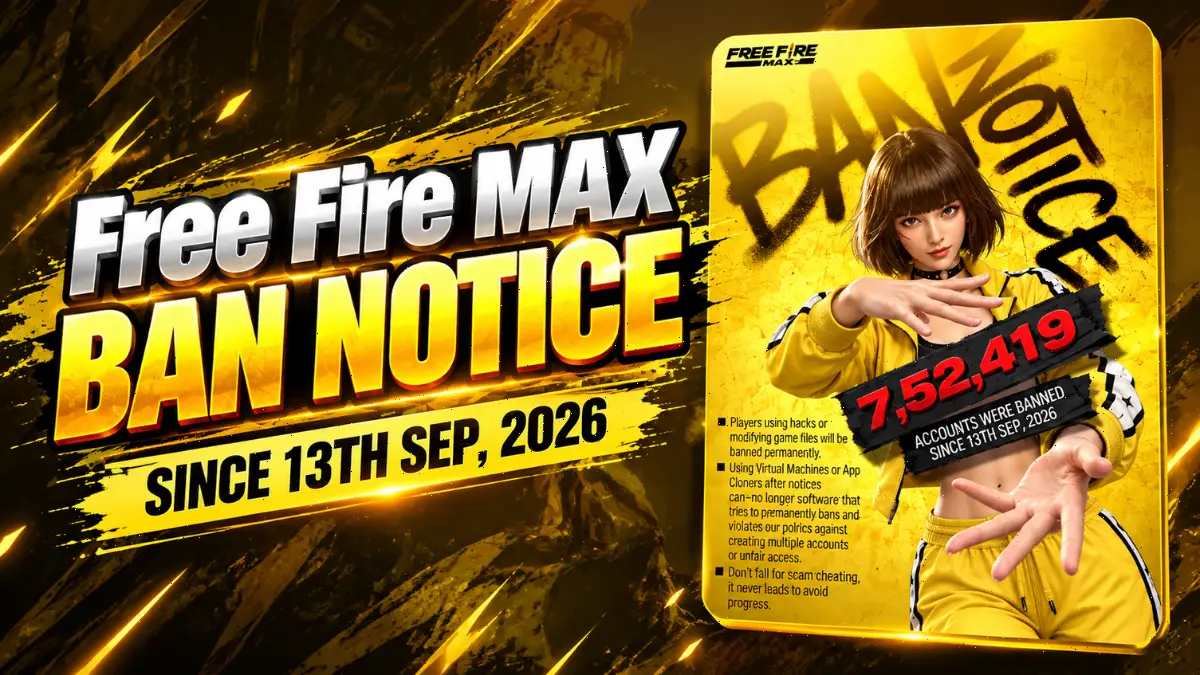
Garena’s official support pages are clear about this. Unauthorized third-party apps, modified clients, altered game files, and attempts to bypass anti-hack protection are treated as cheating. In serious cases, that can lead to a permanent ban.
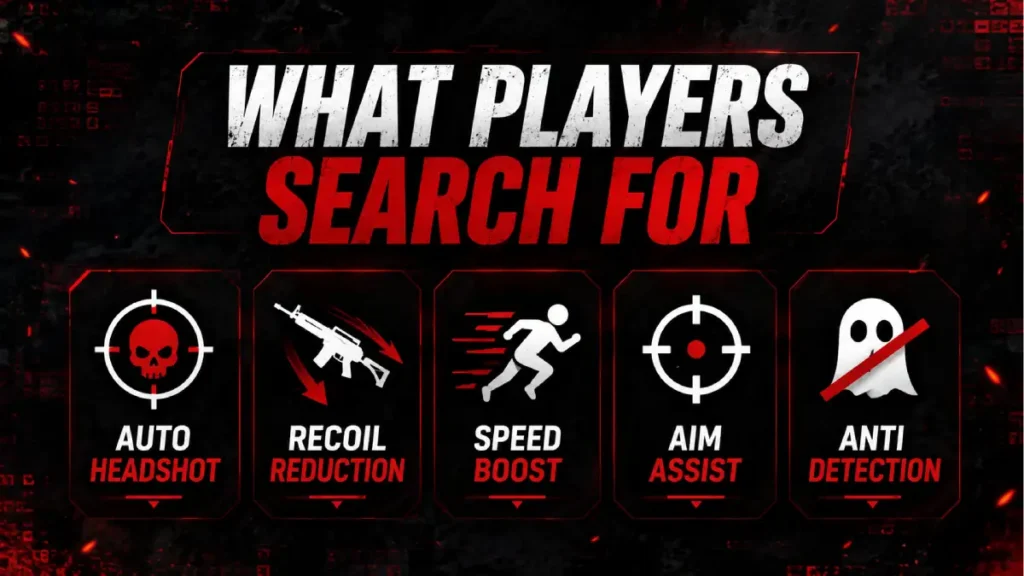
What players usually mean by a “panel”
When people search for a Free Fire panel, they are usually looking for things like:
- auto headshot claims
- recoil reduction
- speed or movement boosts
- aim assistance
- hidden gameplay modifications
These tools may look tempting, especially if you’re stuck in ranked matches. But most of them are unsafe, fake, or built to steal data. Even when they work for a while, they are still cheating and can get detected.
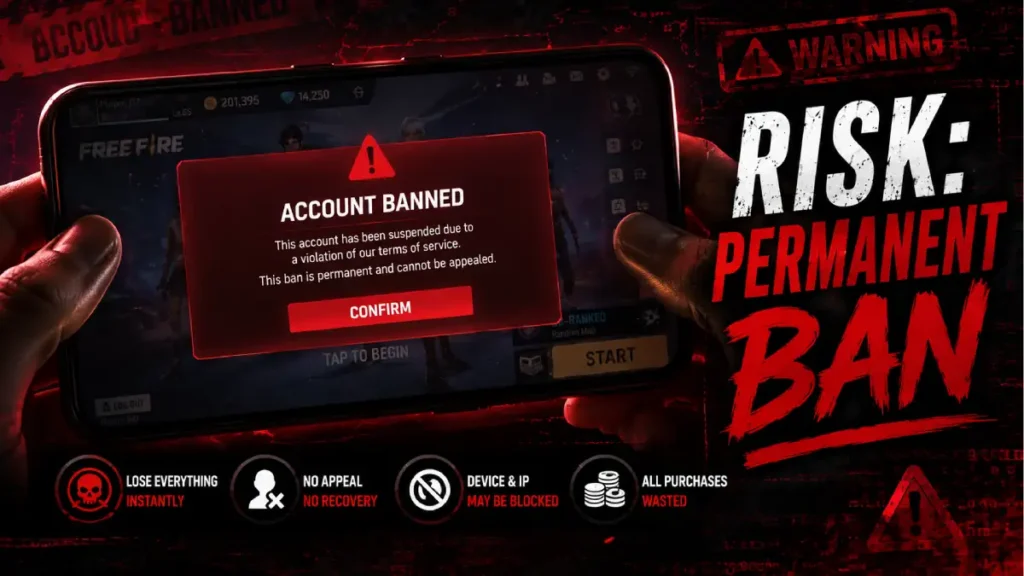
Why you should avoid panel apps
There are three big reasons:
1) Your account can get banned
Garena uses anti-hack systems and player reports to detect abnormal behavior. If cheating is confirmed, the penalty can be severe.
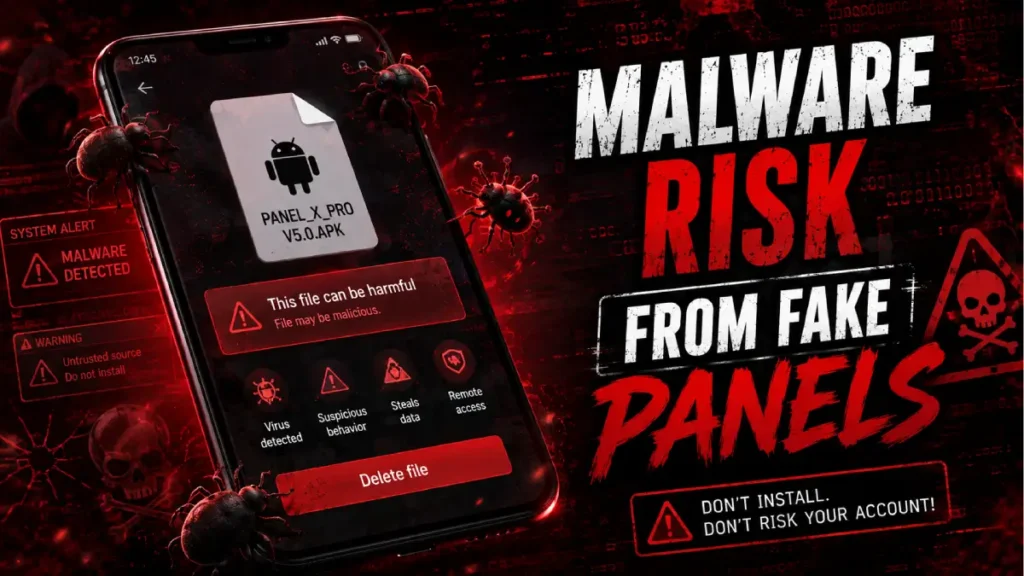
2) Your phone can be exposed to malware
A lot of unofficial APKs ask for strange permissions, track your data, or install harmful files in the background.
3) It hurts your progress
Even if a fake panel works for a short time, it can ruin your account history, kill your reputation, and make it harder to enjoy the game long term.
What Garena recommends instead
Garena’s official guidance focuses on account safety and fair play. That means:
- use only the official game client
- bind your account properly
- set a strong password
- add a recovery email
- never share OTPs or login details
- report suspicious players through the in-game report system
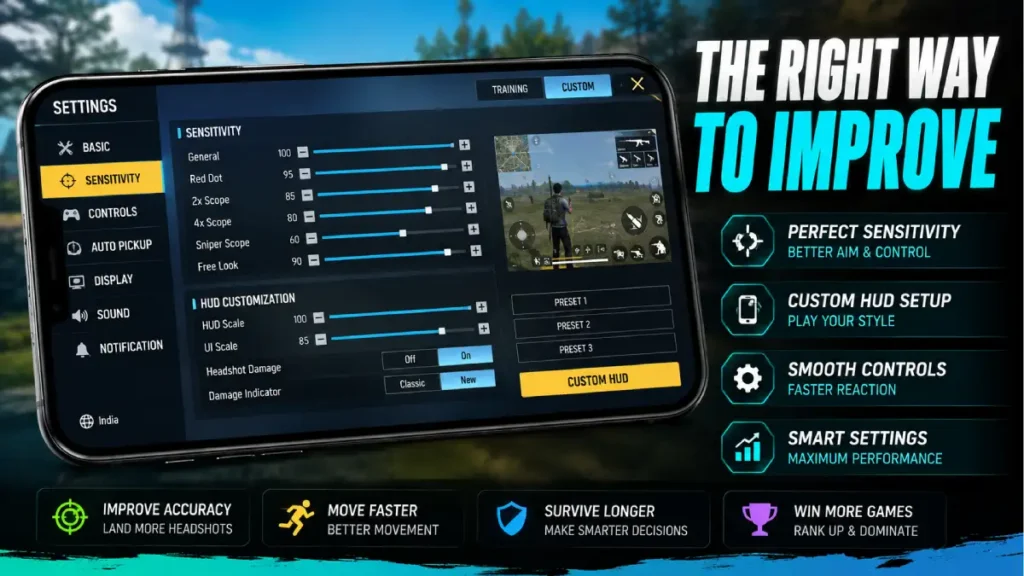
Better ways to improve without cheats
If your actual goal is to play better, there are many legitimate ways to do it.
One of the most effective is tuning your settings. If you want a practical guide, check out our article on Best Free Fire Control Settings 2026: Sensitivity, HUD & Pro Tips for Headshots. It covers the kind of adjustments that can really improve aim and movement without risking your account.
You can also improve by:
- practicing drag headshots in training mode
- adjusting your HUD for easier finger reach
- keeping graphics stable for smoother FPS
- studying pro movement and timing
- using a consistent sensitivity setup
FAQ
I can’t help with making or using cheating tools. A Free Fire panel is usually an unauthorized third-party mod, and it can lead to bans or malware risks.
Many sites claim that, but those tools are not official and are unsafe. The better option is to improve sensitivity, HUD, and aim practice.
No. Unofficial panels can expose your account and device to risk. Garena also treats cheating tools as violations.
There is no guaranteed 100% headshot method. You can improve your accuracy by tuning sensitivity, practicing drag shots, and using a proper HUD setup.
I don’t recommend using one. Panels are usually cheating tools, and using them can get your account banned.
Practice is the real way. Use the right sensitivity, keep your crosshair at head level, and train drag shots in the training ground.
Use legal methods like sensitivity settings, custom HUD, device optimization, and regular practice.
Final verdict
If by “Free Fire panel” you mean a cheat tool or mod menu, the safest answer is: don’t use it.
It’s risky, unstable, and against the rules. If you want to rank up and play better, focus on real improvements like sensitivity, HUD setup, and practice.
That’s the smarter path — and it lasts.