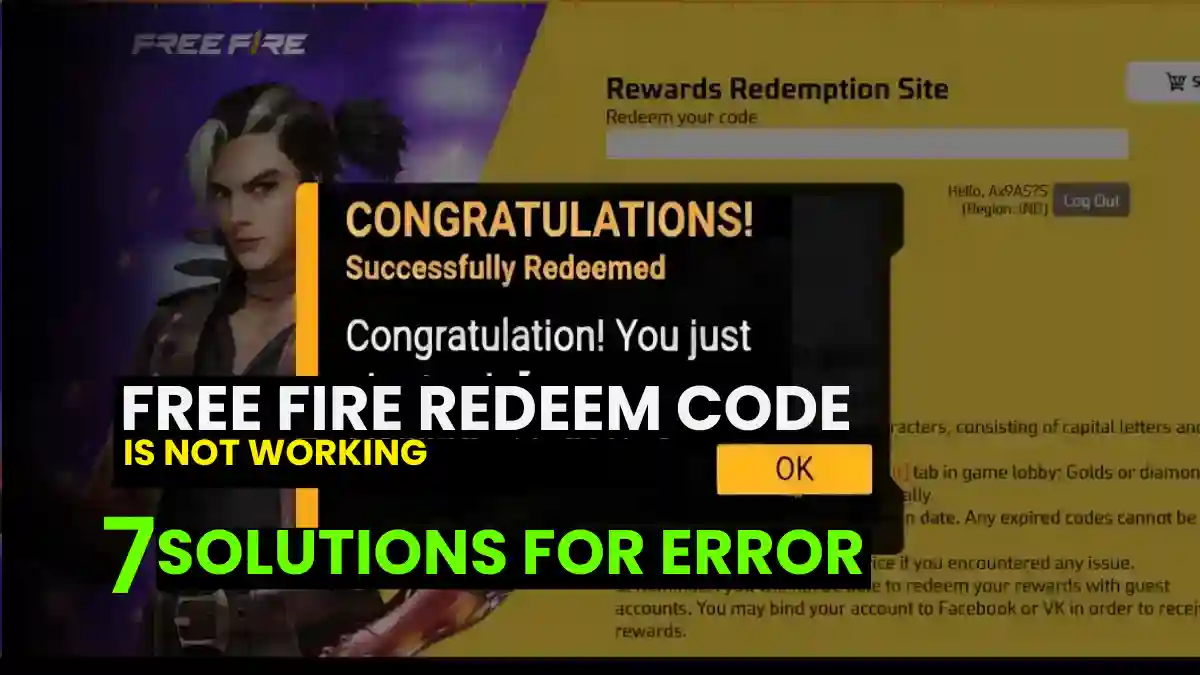
When you try to claim a redeem code in Free Fire and see messages like “Failed to Redeem,” “Invalid Code,” or “Server Error” on the screen, it can be quite frustrating. In this article, we will understand the reasons behind these errors, why they occur, and how to resolve them.
Common Reasons Your Redeem Code Isn’t Working
First, it’s important to understand what error you’re encountering when trying to redeem the code. It’s crucial to determine why the problem is occurring and whether the redemption is failing due to a technical error.
For verified daily Free Fire redeem codes, check our Free Fire MAX Redeem Codes Today (India) page.
1. Typographical and Formatting Errors
A primary cause of redemption failure is incorrect character entry. Free Fire redeem codes are sensitive to formatting.
- Capitalization: Sources indicate that codes should be entered entirely in CAPITAL LETTERS. Mixing lowercase and uppercase letters often results in an “Invalid Code” or “Error” message.
- Missing Characters: If you obtained a code from a video, fast-forwarding can cause you to miss a digit. A single missing character will render the 12-16 character alphanumeric code useless,.
2. Expiration and Usage Limits
Redeem codes are rarely permanent.
- Time Limits: Many codes are valid only for a short window (e.g., a few hours). If you attempt to use a code after this period, the system will reject it.
- User Caps: Some codes are “First Come, First Served,” limited to the first 200 or so users. Once this limit is reached, latecomers will see an error regardless of the code’s validity,.
3. Region Restrictions
Codes are server-specific. A code generated for the Indonesia or Bangladesh server cannot be redeemed on an Indian server,. Ensure the source of your code matches your account’s region.
4. Guest Account Restrictions
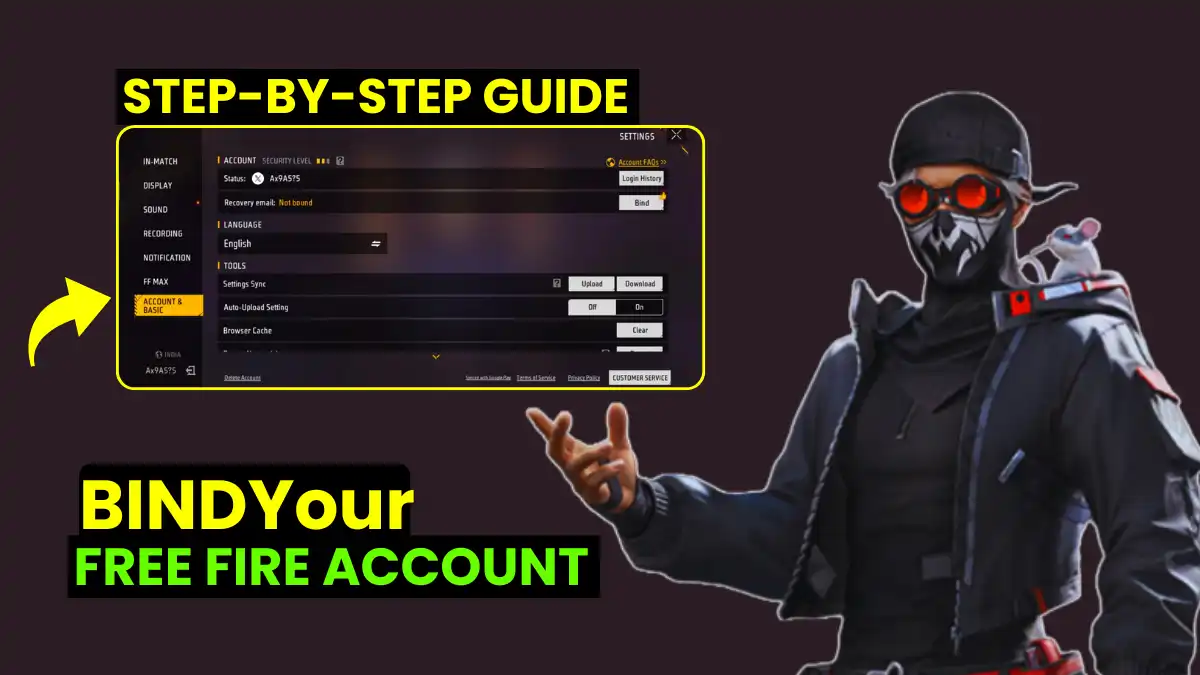
You cannot redeem rewards on a Guest Account. You must bind your Free Fire ID to a platform like Facebook, VK, or Google to successfully process rewards.
RELATED POST- Free Fire Free Diamonds Redeem Codes: Truth, Myths & Official Reality
Fixing “Failed to Redeem” or “Invalid Code” Errors
If you have entered the correct redemption code on the Official Garena Redemption Site, but the site is still not working, try these troubleshooting steps.
Solution 1: The “Activation” Method
According to media report, Some codes distributed by content creators require “activation” through community engagement before the system recognizes them.
- The Process: Sources claim that Subscribing to the provider’s channel, Liking the video, and leaving a comment can “activate” the code for your specific user instance,,.
- Wait Time: After performing these actions, wait approximately 10 to 20 minutes before attempting to enter the code again. Sources report that “Invalid” codes often work after this short delay,.
Solution 2: Managing Server Traffic
The Free Fire redemption website experiences very high traffic from 9:00 AM to 3:00 PM, which can cause the website to crash or slow down. If you encounter any such problems, please try again after 20–30 minutes.
Doing so significantly increases the chances of a successful claim, as the server load will be lower at that time, and your redemption will likely be completed successfully.
Also Read Top 30+ Free Fire Attitude Quotes in English (Trending in 2026).
How to Fix Google Play Gift Card Errors
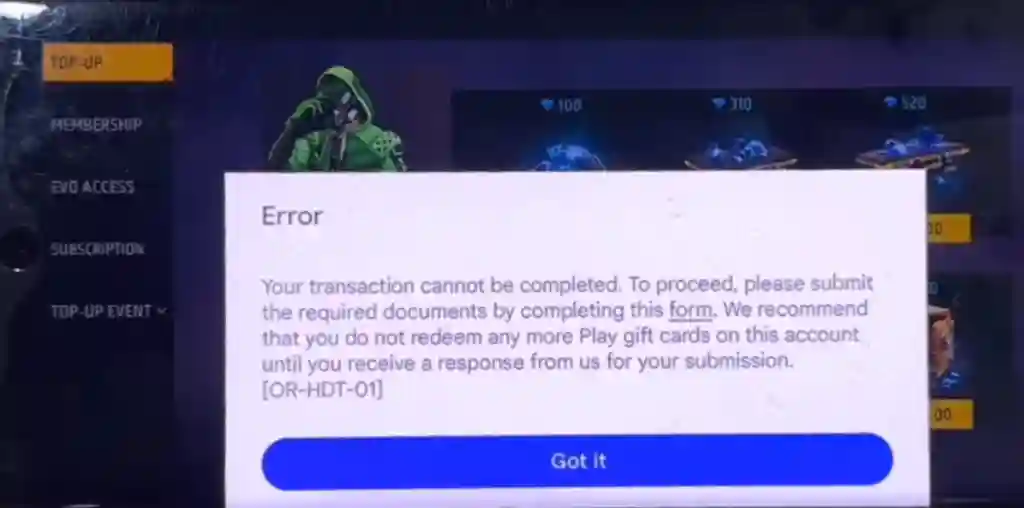
Many Free Fire players encounter errors not on the random side of Free Fire itself, but when redeeming Google Play gift cards to purchase diamonds. The two most common errors are “We need more info” and “Transaction cannot be completed.”
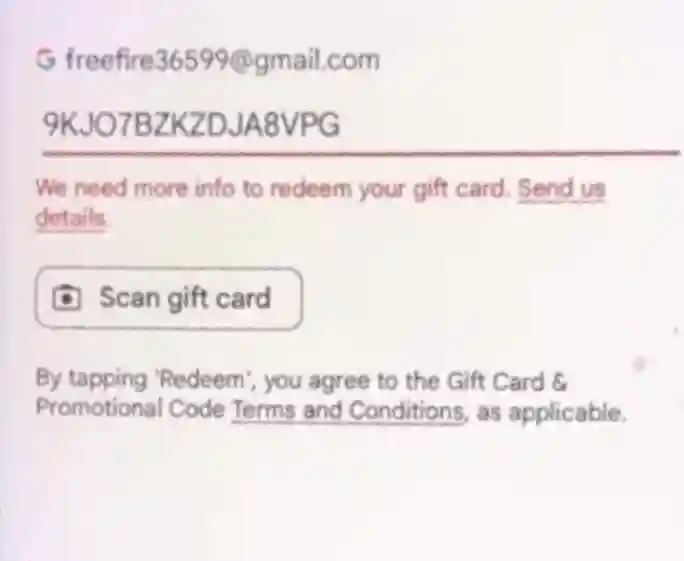
Error 1: “We need more info to redeem your gift card”
This type of error appears when Google’s security system flags a transaction. This often happens when multiple accounts are logged in on the same device or when the redemption pattern seems suspicious.
Step-by-Step Fix:
- Navigate to Help: Open the Google Play Store, tap your profile icon, and select Help & Feedback,.
- Select the Error: Choose the option labeled “Can’t redeem gift card”,.
- Access the Form: Select the specific error “We need more info to redeem your gift card.” This will reveal a form labeled “Provide more info about your gift card”,.
- Upload Documents: You must provide proof of ownership. Upload a clear screenshot of the Redeem Code and the Purchase Receipt (which must show the retailer name and transaction details),.
Copy-Paste Form Template: When filling out the details in the Google support form, ensure accuracy. You can use the following structure based on successful submissions,:
Store Name: [e.g., Amazon / Paytm / Local Store Name] Redeem Code: [Enter your specific code here] City: [Enter the city where purchased] Phone Number: [Your registered mobile number]
Google typically reviews these submissions and resolves the issue within 3 days.
RELATED POST- Free Fire Reward Redemption Site Login Guide 2026 – Safe Step-by-Step Process
Error 2: “Transaction cannot be completed”
This error often appears when attempting to use your balance.
The Solution:
- Go to Help & Feedback in the Play Store.
- Scroll down to “Contact Us”.
- Select “Google Play Balance and Gift Card” as your issue category.
- Choose Your Method:
- Chat: Available 9:00 AM to 6:00 PM.
- Email: Available 24 hours a day.
- Submit your query. Sources suggest that email responses usually arrive within 24-48 hours with a resolution,.
Best Practices for Successful Redemption
Next time you claim a redeem code, try to avoid these mistakes. Doing so will help you successfully claim more redeem codes. Be sure to follow the guidelines below:
- Speed is Critical: Attempt to redeem codes immediately upon release. Being among the first 200 users often guarantees success.
- Avoid Fast-Forwarding: When obtaining codes from video sources, watch the entire duration. Skipping forward often causes users to miss a single character, resulting in failed attempts,.
- Use the Official Site: Only redeem Free Fire rewards at the official Garena redemption portal (reward.ff.garena.com) to ensure security and validity.
Frequently Asked Questions
This usually indicates the code has expired, the server limit has been reached, or you are on the wrong server region,.
Rewards typically appear instantly, but in some cases, it can take up to 24 hours for items to reflect in your in-game mail,.
No. You must link your account to Facebook, Google, or VK first.