In recent days, many Free Fire players in India are reporting redeem code errors due to server load and limited code availability. These issues are especially common during new events and updates. While redeeming codes, players often face different errors such as Invalid or Already Redeemed Code, Format Error, Server Error, and Expired Redeem Code.
In this article, we will explain 7 of the most common Free Fire redeem code errors in simple terms and share their practical solutions. If you are a regular Free Fire player, this guide is essential to help you claim rewards smoothly without frustration.
10 Common Free Fire Redeem Code Errors Explained
1. “Invalid or Redeemed” Error
Free Fire MAX has now surpassed 500 million downloads on the Google Play Store. The game has a 4.3-star rating and has been reviewed by over 28 million users. This massive player base makes it one of the most popular battle royale games in India.
According to Garena, Redeem Codes are only released during live streams and online events, and the rewards for each code vary.
This is why, whenever Free Fire India Redeem Codes are released, every player rushes to claim them first. According to Gurugamer, Free Fire Redeem Codes typically have a validity of 1 to 7 days, and each code can only be redeemed by approximately 100 to 500 users.
Due to the large player base, these codes reach their redemption limit within minutes. Once the limit is reached, attempting to redeem the code results in an “Invalid or Redeemed” error message on the redemption site.
Solutions:
Speed is Crucial
You must claim within minutes or even seconds, when a code’s release. Once the redemption limit (often just 100-500 uses) is reached, the code becomes invalid for everyone.
Verify the Region
Before trying to claim a code, ensure it is designated for your specific server (e.g., NA, EU, India) to avoid wasting time on incompatible codes.
Doubt Third-Party Sources
Be cautious of websites or users claiming to have generators or “updated lists.” Community members frequently warn that these can be “shady links” or scams designed to harvest data or ad views rather than provide actual rewards.
Official Giveaways
The safest way to avoid these errors is to look for codes via official giveaways or verified events where the terms of redemption (time limits and user caps) are clearly stated.
RELATED POST- Free Fire MAX Redeem Codes Today (India)
2. Region-Restricted Redeem Codes
Region-restricted redeem codes are alphanumeric rewards generated specifically for a designated game server. Code classification depends on the servers in regions including India, Europe, and North America.
A code created for one server is distinct from those created for others. For example, community members explicitly clarify whether a code is for the “Indian server” or “North America” to ensure the recipient can actually use it
Even if you use a VPN to change your IP address to match the code’s region, the redemption site will likely still reject the code.
Is using a VPN to claim out-of-region codes allowed?
Even if you use a VPN to change your IP address to match the code’s region, the redemption system will likely still reject the code.
- UID Restrictions: The game verifies your account’s region based on your unique User ID (UID) and the server your account is registered to, not just your current internet connection.
- Hard-Coded Region: When you log in to the redemption site, the system explicitly checks if your “Region” matches the code
- The “Barrier”: Sources state there is “no way to redeem codes from other regions without an account which belongs to that specific region”
While the Free Fire abuse policy does not explicitly list “VPNs” as a banned term in every context, using them for this purpose falls under prohibited behaviors:
- Third-Party Apps: The use of unauthorized programs or third-party apps that manipulate the game client or data is strictly forbidden and can lead to a permanent ban (source).
- Suspension Risk: Specific guides on VPN usage in Free Fire warn that using them to manipulate the client “can result in an account ban in the worst-case scenario”.
- Official Stance: Players are explicitly recommended to “refrain from using VPNs” for purposes like matchmaking or bypassing restrictions to keep their accounts safe from suspension.
Using a VPN to claim a redeem codes for a different region is like wearing a disguise to enter a bank in a foreign country.
RELATED POST- Free Fire India Launch 2026: Latest news, Status & What’s Next for Players (2025–26)
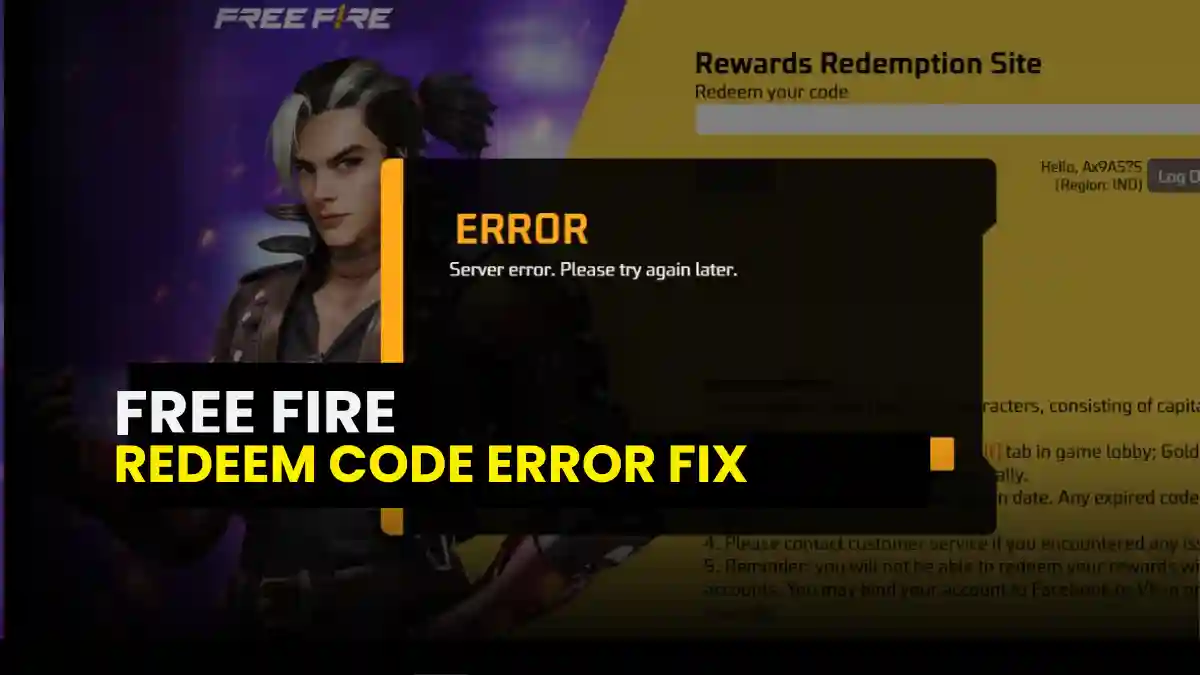
3. Server Error: Please Try Again Later
The Garena Reward Redemption Site (reward.ff.garena.com) often experiences server errors when a large number of players try to claim redemption codes simultaneously. During these times, players may encounter various error messages, such as:
- “This site can’t be reached”
- “ERR_TIMED_OUT”
- “Gateway Timeout”
- “An error occurred (nginx)”
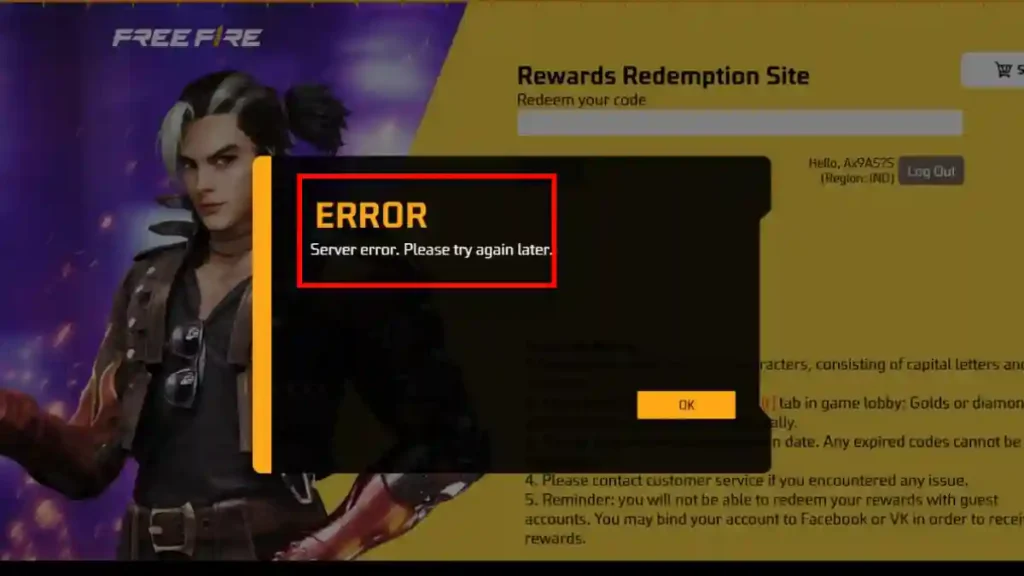
The most common issue is server outages. If the Free Fire servers are down for maintenance or experiencing technical difficulties, you won’t be able to redeem any codes.
Solution
- Wait 10–30 minutes and try again
- Switch between Wi‑Fi and mobile data
- Avoid redeeming during peak hours
A gamer on the Free Fire Community Forum reported that they received a “Server Error: Please Try Again Later” message when trying to claim a redeem code. After trying again about 30 minutes later, they were able to successfully claim their code.
RELATED POST- How to Submit a Ticket to the Garena Help Center Correctly
4. Typing or Format Errors
According to FF Support, Redeem Codes are always in capital letters and numbers and are usually 12–16 characters long. If even a single letter or number is entered incorrectly in the code, an “Invalid Code” error will appear immediately.
This error often occurs for players who copy or manually type Redeem Codes from YouTube videos. If even a single letter or number is incorrect in the video, an error will immediately appear when trying to claim the code.
Solution
When entering the redeem code, make sure to type the characters exactly as they appear. Pay special attention to “O” vs “0”, “I” vs “1”, and “l” vs “1”, as these are the most common sources of errors that can invalidate the code.
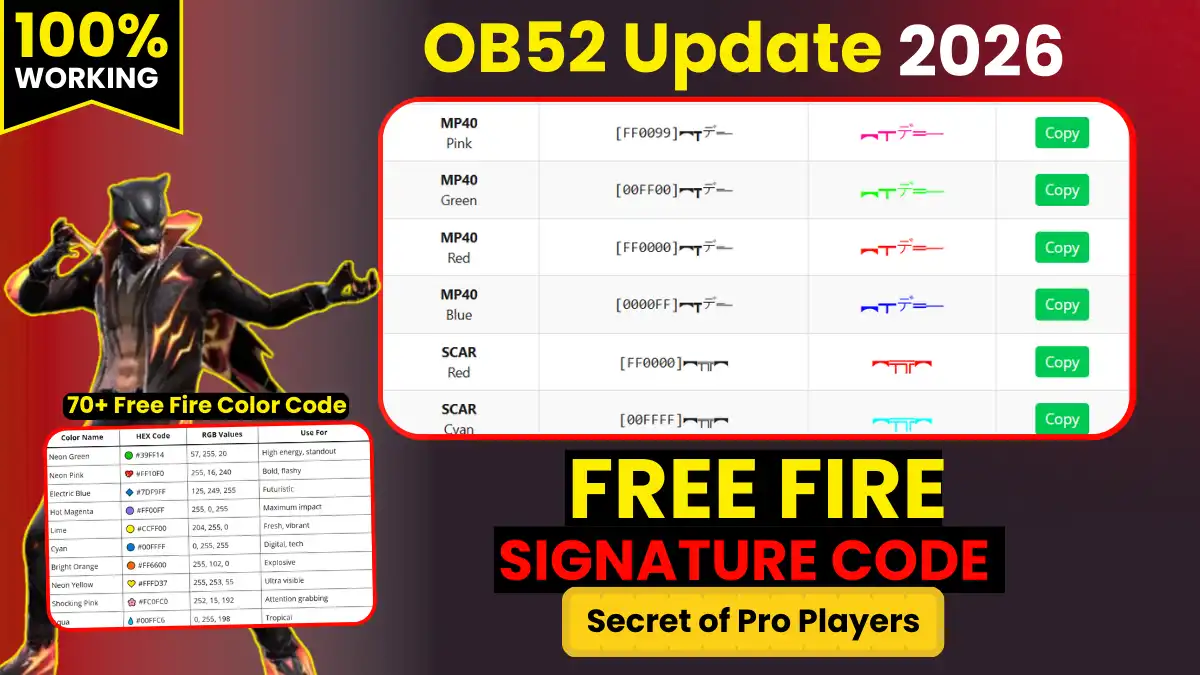
RELATED POST- 70+ Free Fire Color Code Master List with HEX Values
5. Guest Accounts Cannot Redeem Codes
If your Free Fire profile is a Guest Account, you cannot claim Redeem Codes. FF Support has clearly stated that rewards cannot be obtained through Guest Accounts.
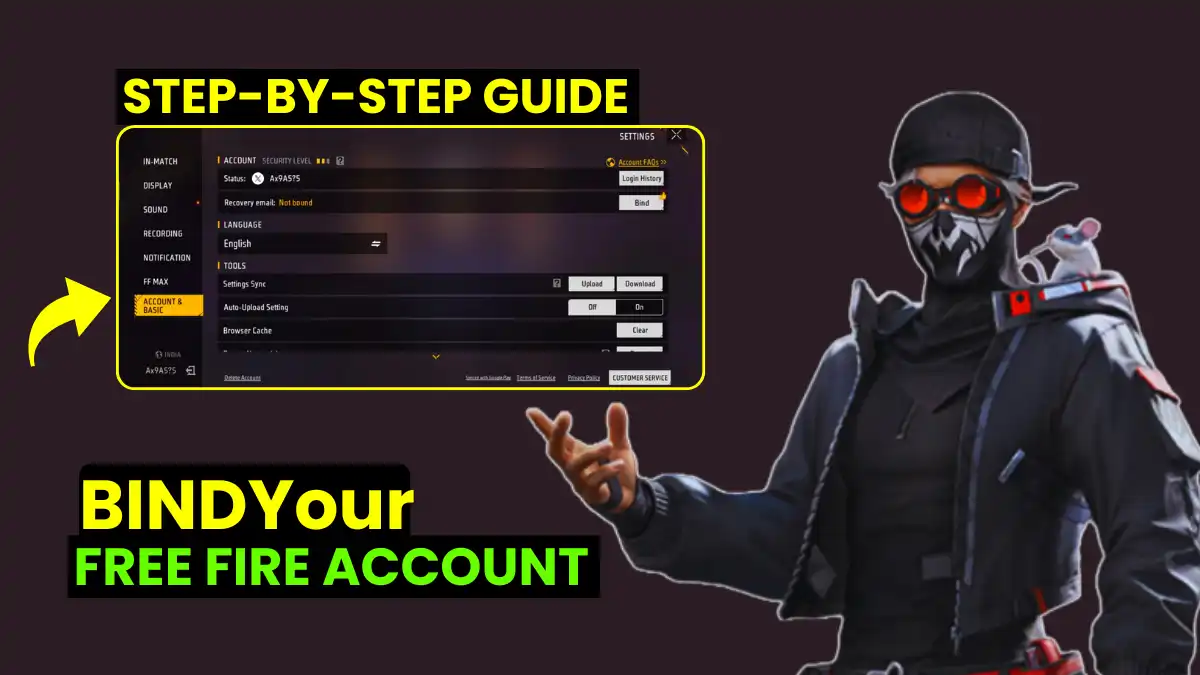
To receive rewards, you must bind (link) your account to a social media account, such as Facebook, Google, or another supported platform. Only after linking your account will you be able to successfully receive these rewards.
RELATED POST- Top 30+ Free Fire Attitude Quotes in English (Trending in 2026)
6. Rewards Not Receive in Mailbox
The reward is not received immediately after successful redemption. It usually arrives via in-game mail within 24 hours. If your mailbox is full, please clear it first, otherwise you will not receive the reward.
“Item rewards are sent via in‑game mail after successful redemption. If your mailbox is full, rewards cannot be delivered.” – Garena Official Support
RELATED POST- How to Create a Stylish Profile Picture Using ChatGPT
7. Account or Login Mismatch
When you log in to the redemption site, the system automatically pulls your account details. A mismatch occurs if you are logged into the wrong platform or a secondary account (smurf account) without realizing it.
Solution
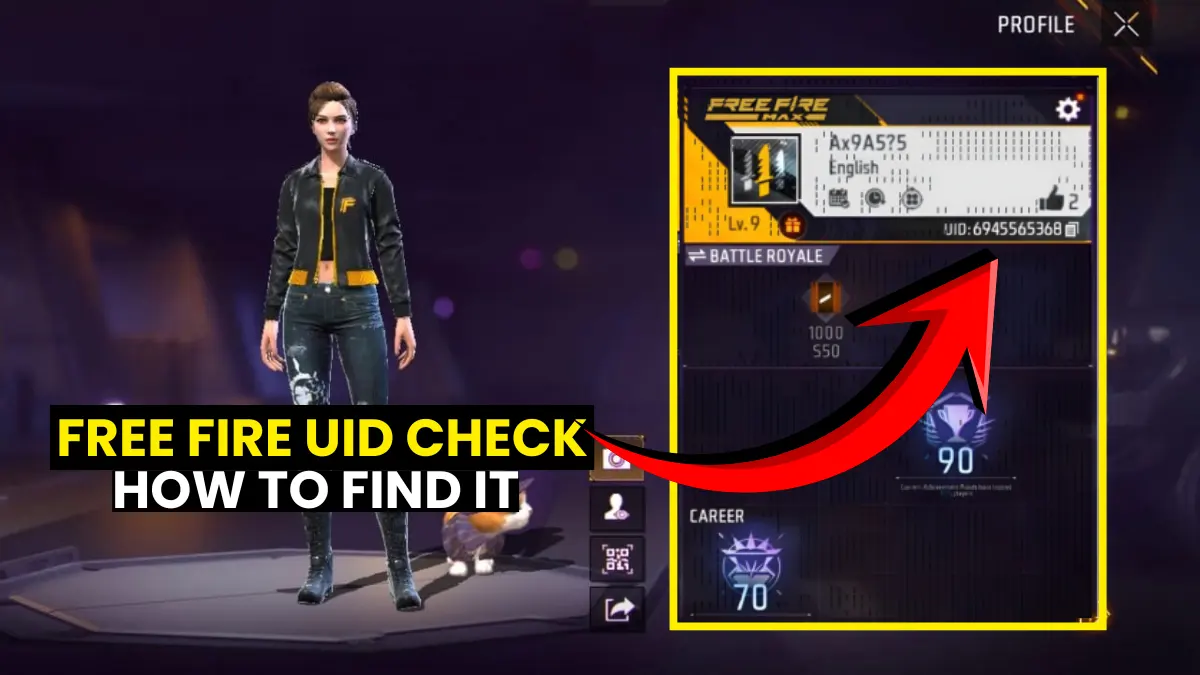
Before entering the code, always check if your Nickname and Region are correct on the screen. This ensures you are sending the reward to the intended character and not a different account linked to the same browser or device.
Related Questions Players Always Ask
Because the code may already be used, expired, or region-locked. Always use fresh, official codes.
Rewards can take up to 24 hours. If your mailbox is full, clear it first.
Free Fire codes give in‑game items, while Google Play codes add wallet balance. They are not interchangeable.
It usually means Garena’s servers are busy. Wait some time and retry.
Final word
We hope this Free Fire redeem code error solutions guide helped you claim every reward. Still stuck? Comment your exact error below. we reply within 12 h!